 Machi Photos
Passport photo में size, face position, background और photo कितनी recent है, ये सब important हैं। Machi Photos से phone photo को 35×45mm passport photo बनाकर L-size sheet पर convenience store में print किया जा सकता है।
1. 35×45mm passport size चुनें
Japanese passport application में आम तौर पर 45mm height × 35mm width photo इस्तेमाल होती है। Machi Photos में passport 35×45mm preset चुनने पर crop guide और print layout auto update होते हैं।
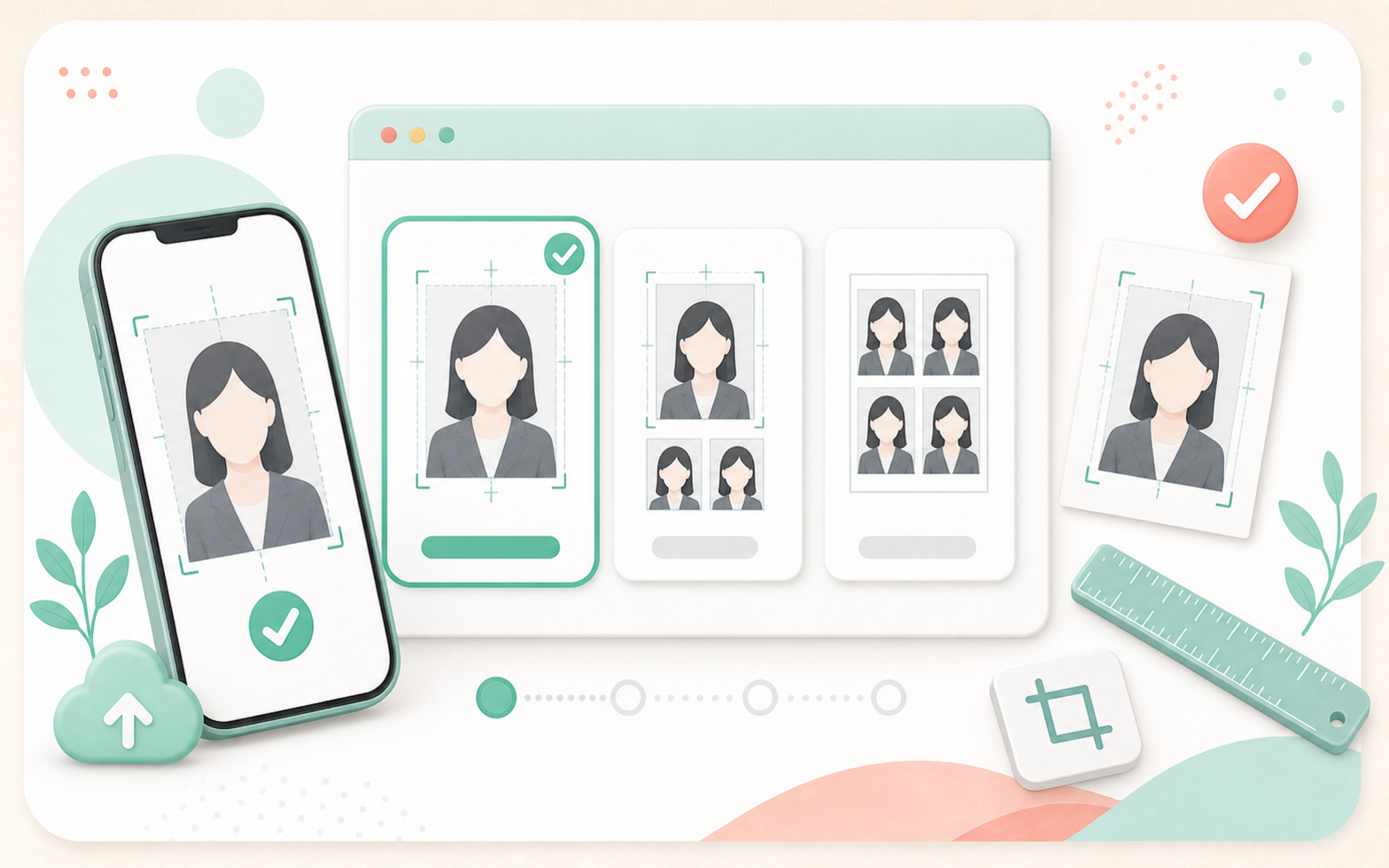
Application destination की latest instructions जरूर check करें। Overseas applications और visa में same size पर rules अलग हो सकते हैं।
2. Recent photo इस्तेमाल करें
Passport photo recent और पहचानने में आसान होनी चाहिए। Hairstyle, glasses या face impression बहुत बदल गया हो तो नई photo लें।
3. Plain background रखें
White, light gray या pale blue plain background अच्छा रहता है। Furniture, patterns, strong shadows, other people या objects avoid करें।
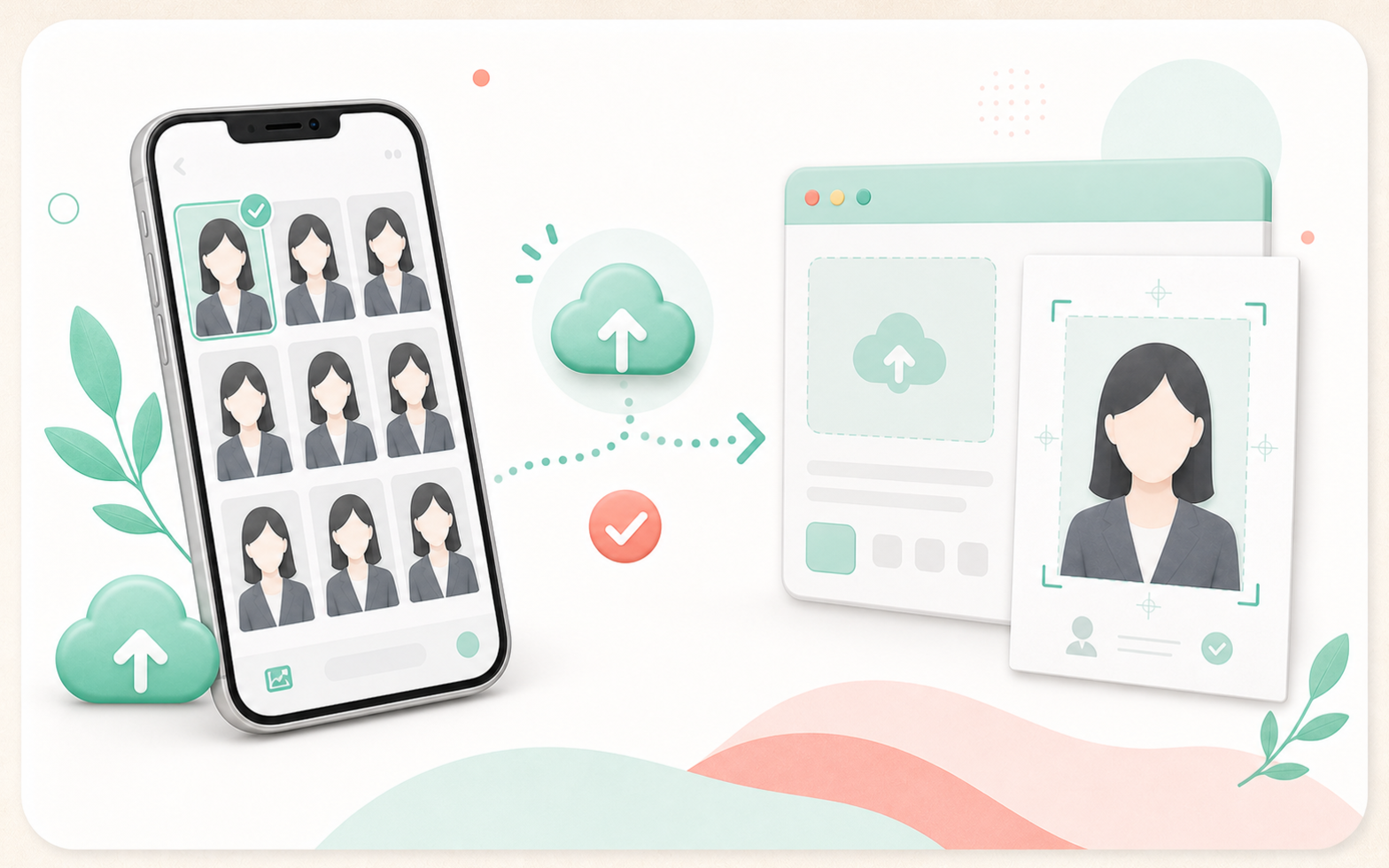
Original background में shadow या objects हों तो Machi Photos उसे white या plain color में बदल सकता है।
4. Face position और expression check करें
Camera की तरफ देखें, eyes open रखें और natural expression रखें। Head, chin और shoulders cut नहीं होने चाहिए।
Glasses glare, hair covering eyes, hats, masks और heavy retouching avoid करें।
5. Common NG examples
Shadowed background, dark face, side pose, open mouth, hidden eyes, cut head, old photo और identity difficult बनाने वाले filters common mistakes हैं।
Doubt हो तो print से पहले official photo rules check करें।
6. L-size sheet convenience store में print करें
35×45mm passport photo एक L-size sheet पर multiple copies में arrange हो सकती है। Print से पहले preview देखें।
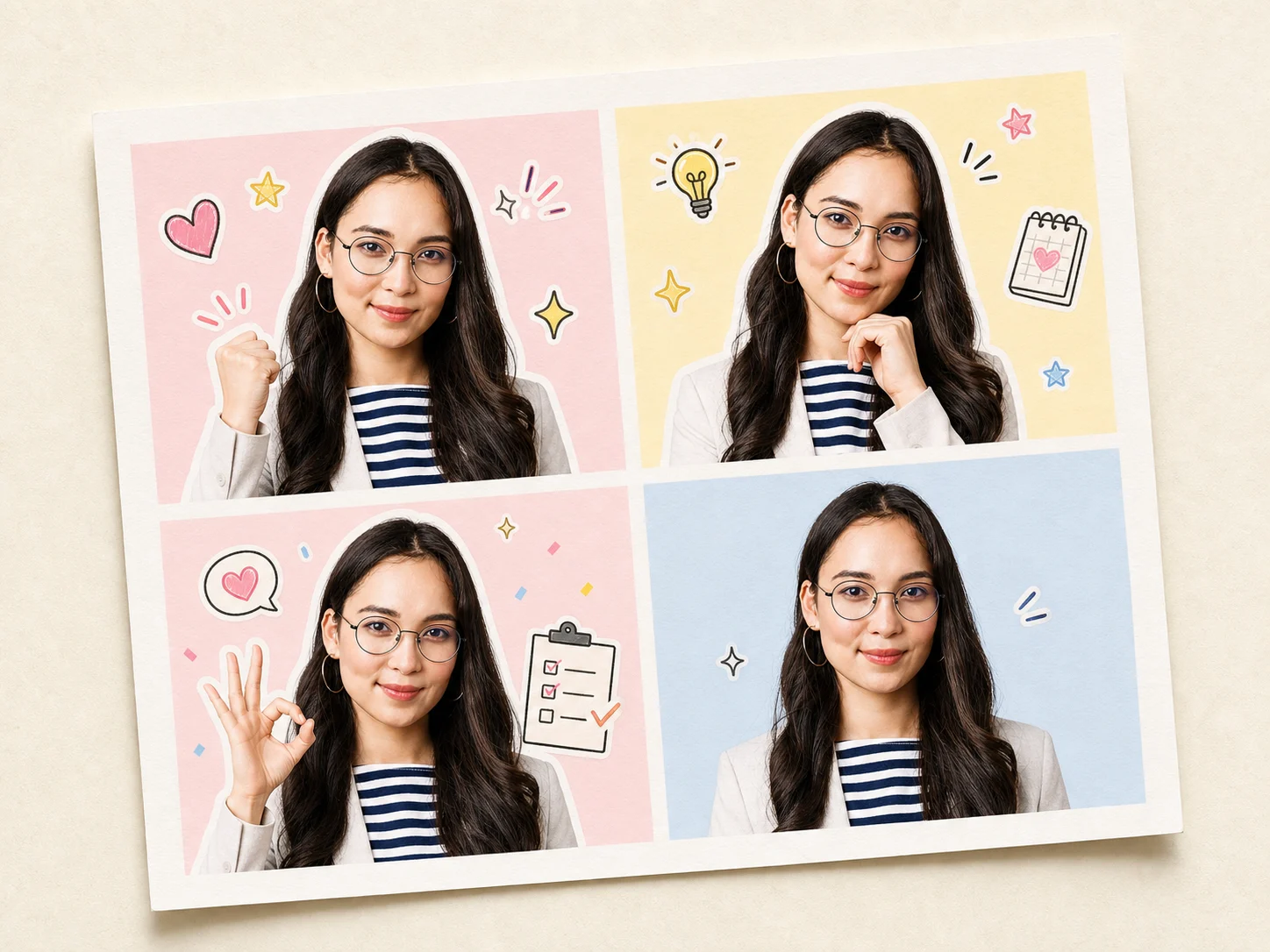
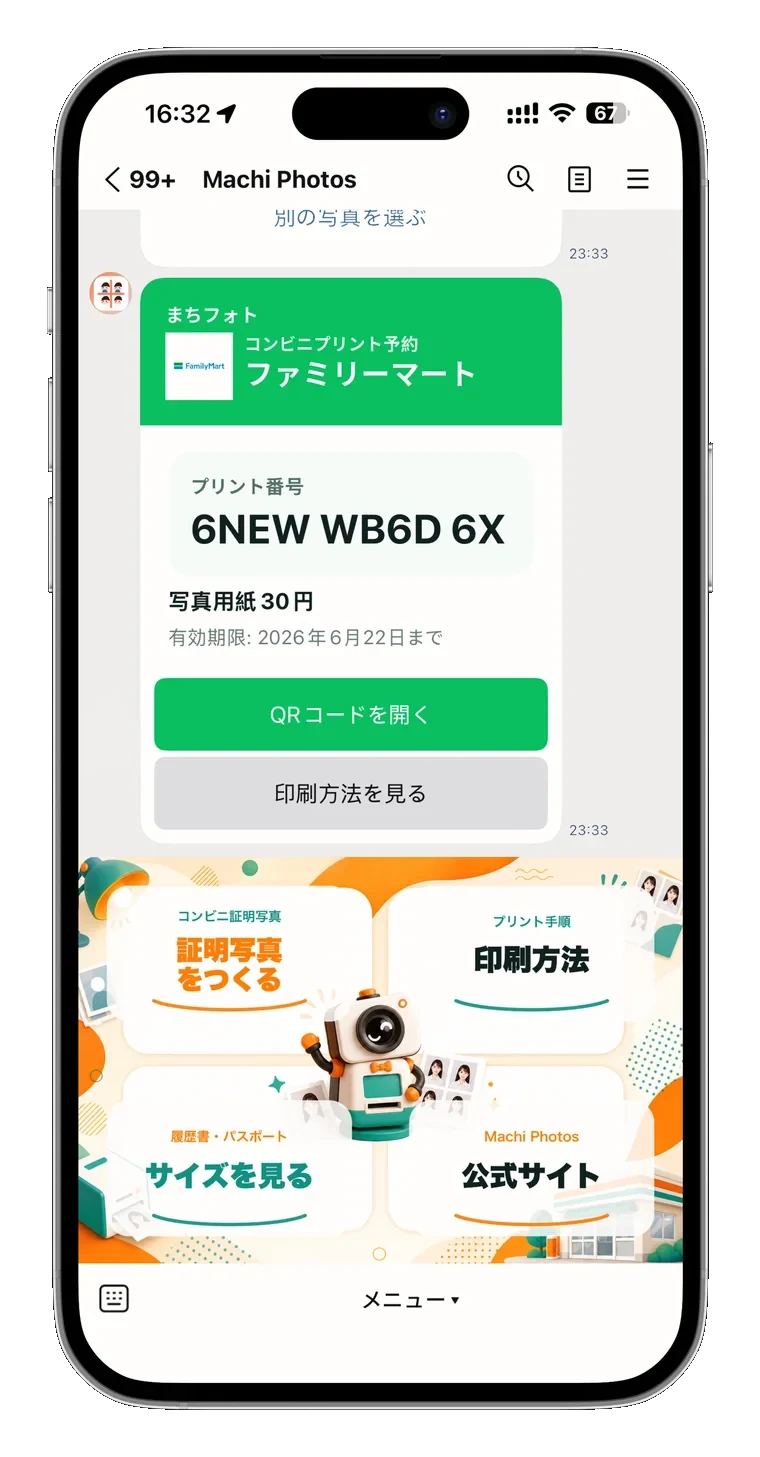
Convenience-store printing के लिए reservation number या QR code issue करें और store copier में L-size photo print करें।
35×45mm passport photo चाहिए?
Passport photo बनाएं