Machi Photos
LINE PHOTO STUDIO
Create ID photos
inside LINE
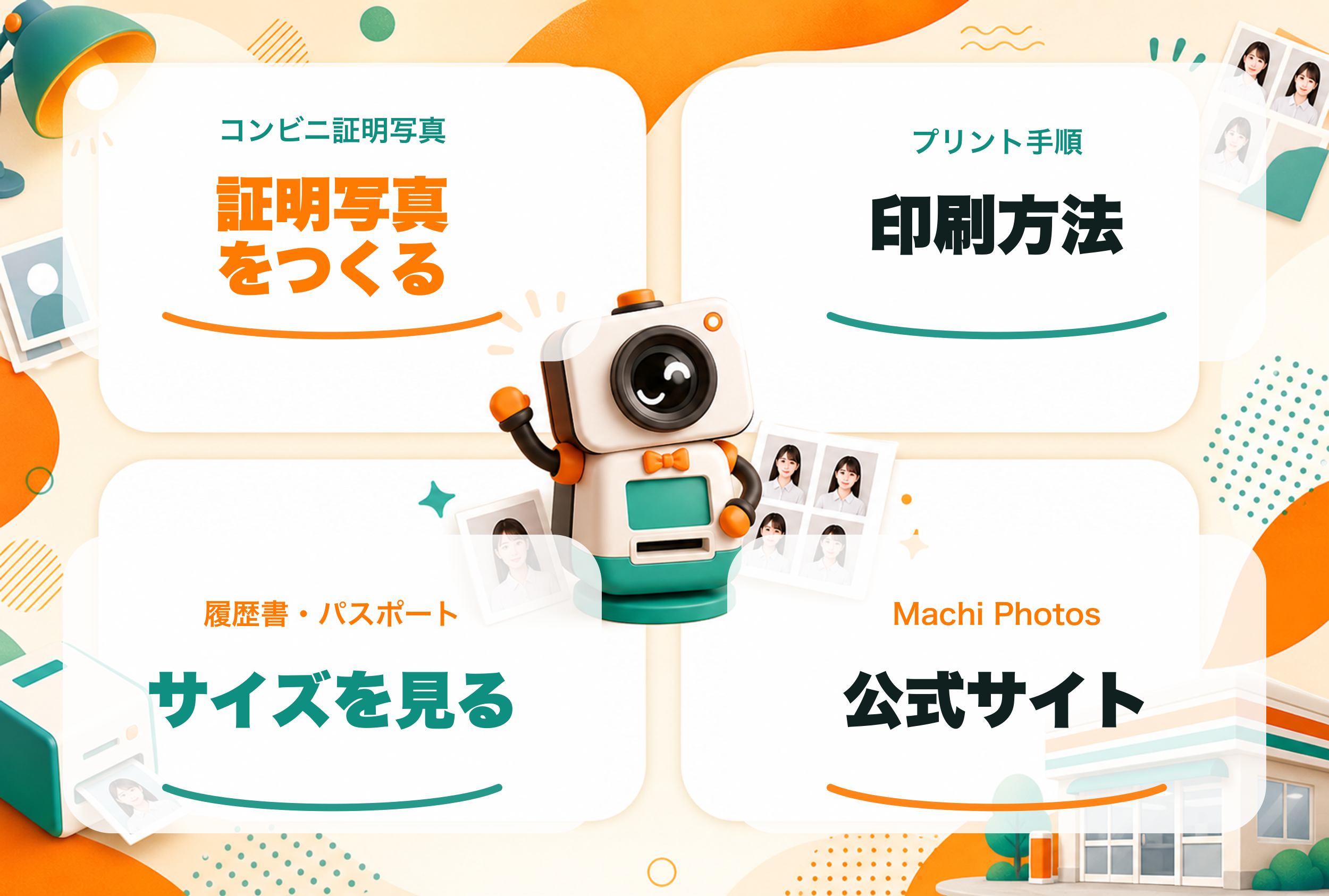
Start from the rich menu, upload a portrait, adjust the crop, and receive the information you need for convenience-store printing.
Create from a phone photo in chat
Receive print reservation details in LINE
Reopen recent ID photo data anytime
RICH MENU
Everything starts from the rich menu
Common actions are grouped into six buttons so you can create, check sizes, open background tools, and find support quickly.