 Machi Photos
Resume, school ID, and My Number ready
Choose common ID photo sizes and create L-size data for the destination.
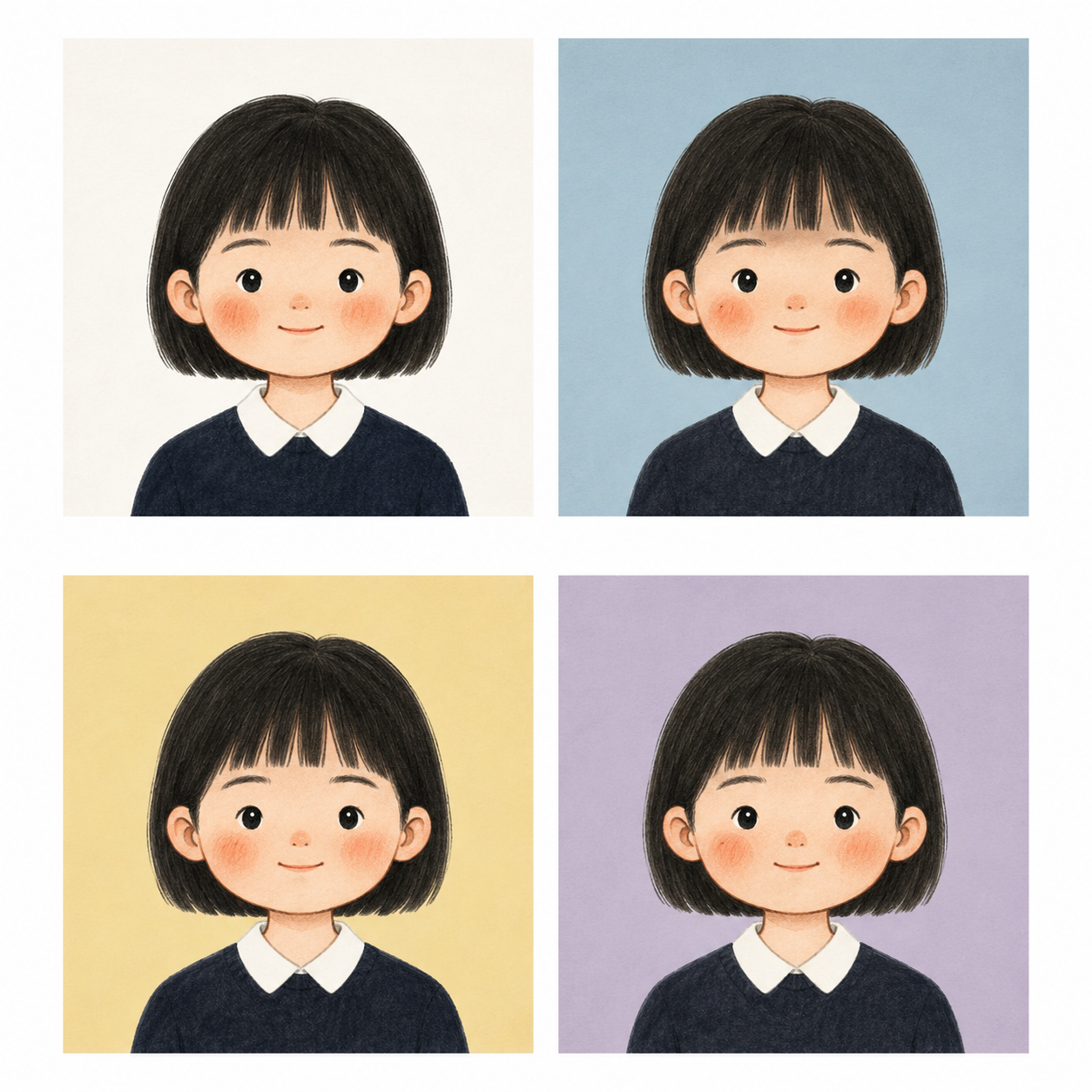
Free creation, background change, and retouching
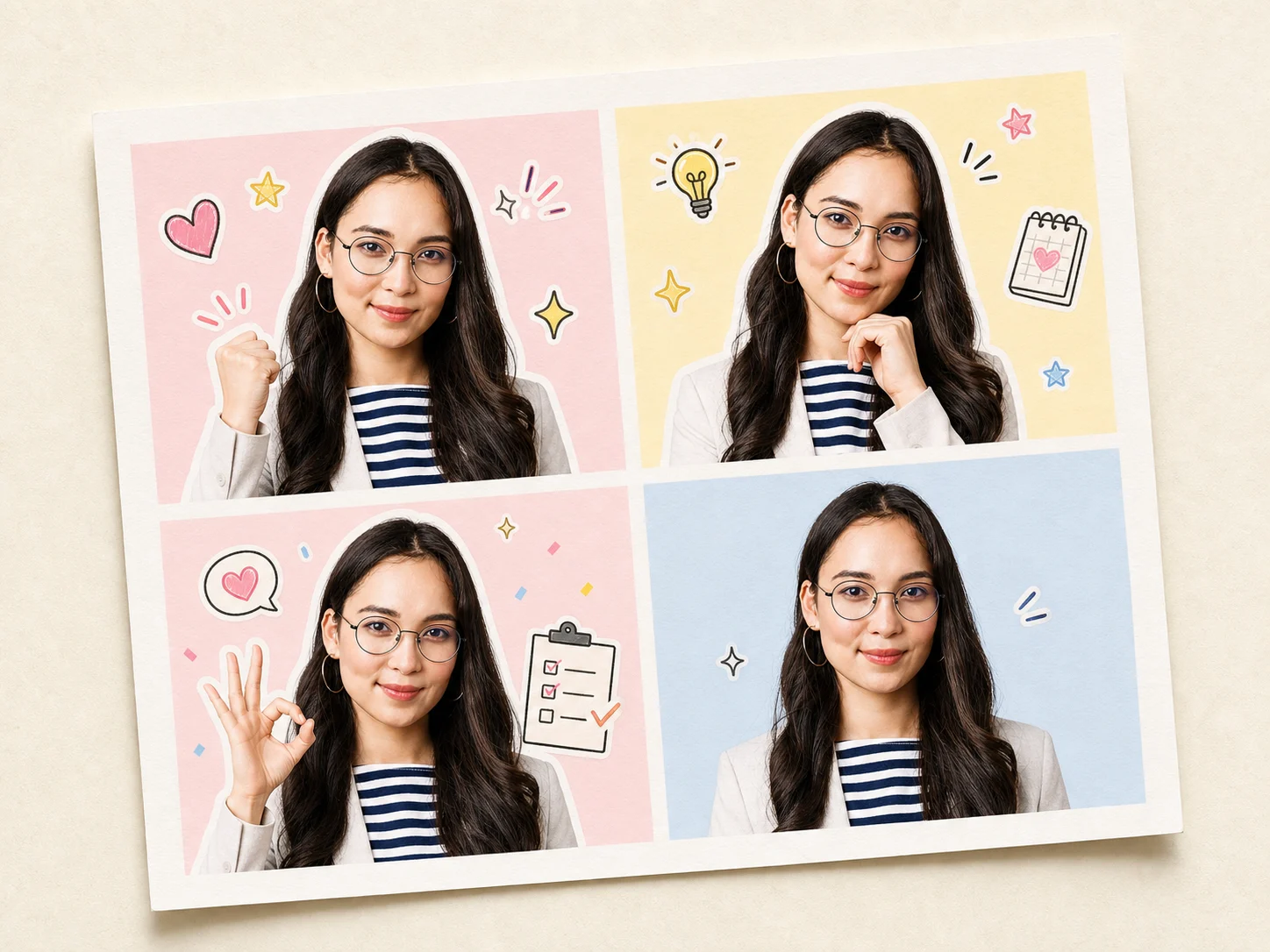
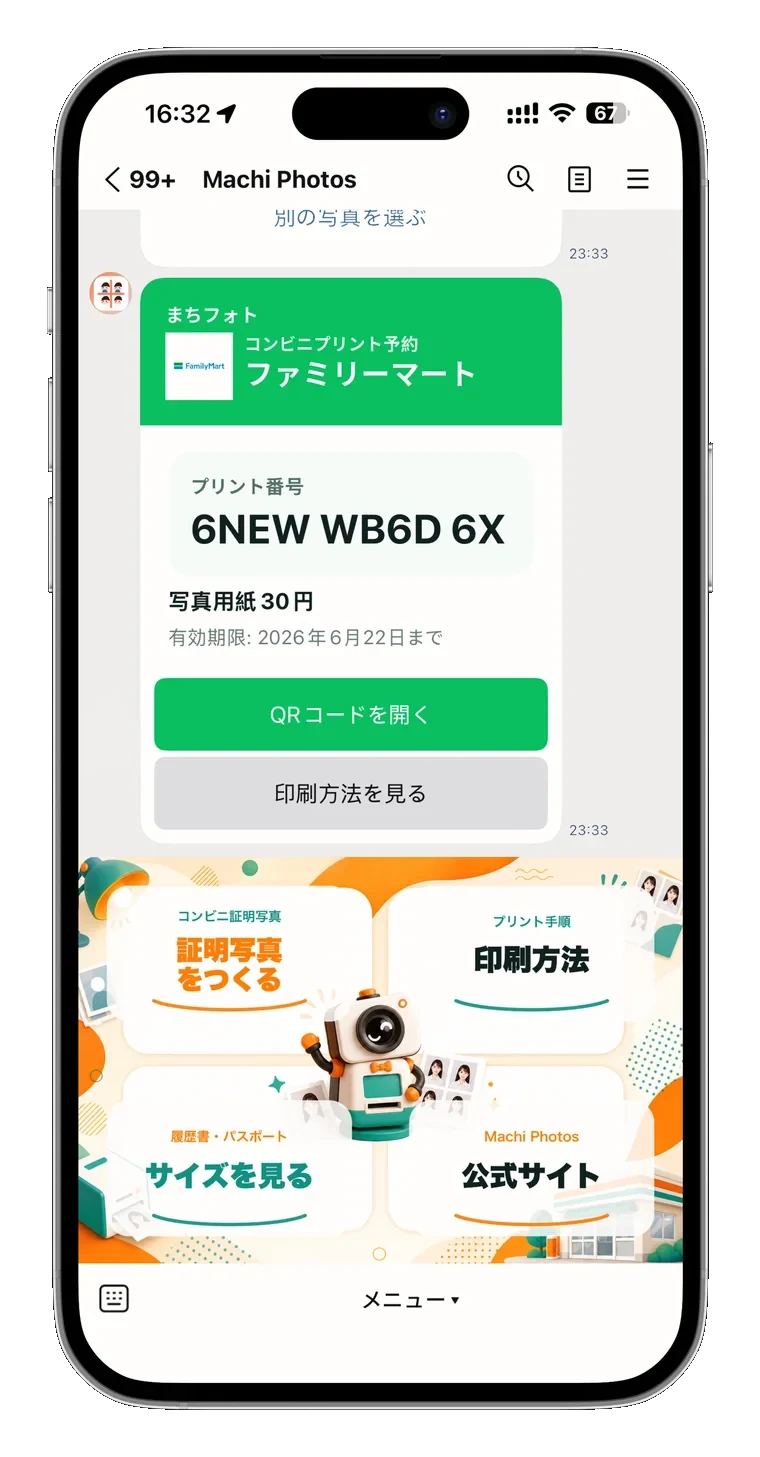
From a phone photo, create background changes, natural retouching, an L-size sheet, and a convenience-store reservation QR for free. Pay only the store print fee if you print.
50,000+
 7-Eleven
 LAWSON
 FamilyMart
 MINISTOP
 Seicomart
 Daily
Daily Poplar
14-second guide
Make photo size, face position, margins, and printing steps visible before you print.
Choose common ID photo sizes and create L-size data for the destination.
Preview headroom, face area, and shoulders before moving forward.
After creation, print at a supported nearby convenience store from your phone.

Reassuring because you can check it yourself
Search for the format that matches resumes, school IDs, My Number, and more.
Choose a phone photo and continue to generated data and print reservation checks.
Check face position, headroom, and shoulders on screen.
Receive a supported-store reservation number and print as an L-size photo.
Only the L-size print fee
Estimated from public and common in-store prices as of June 2026. Actual fees vary by store, paper, and print method.
Tutorials
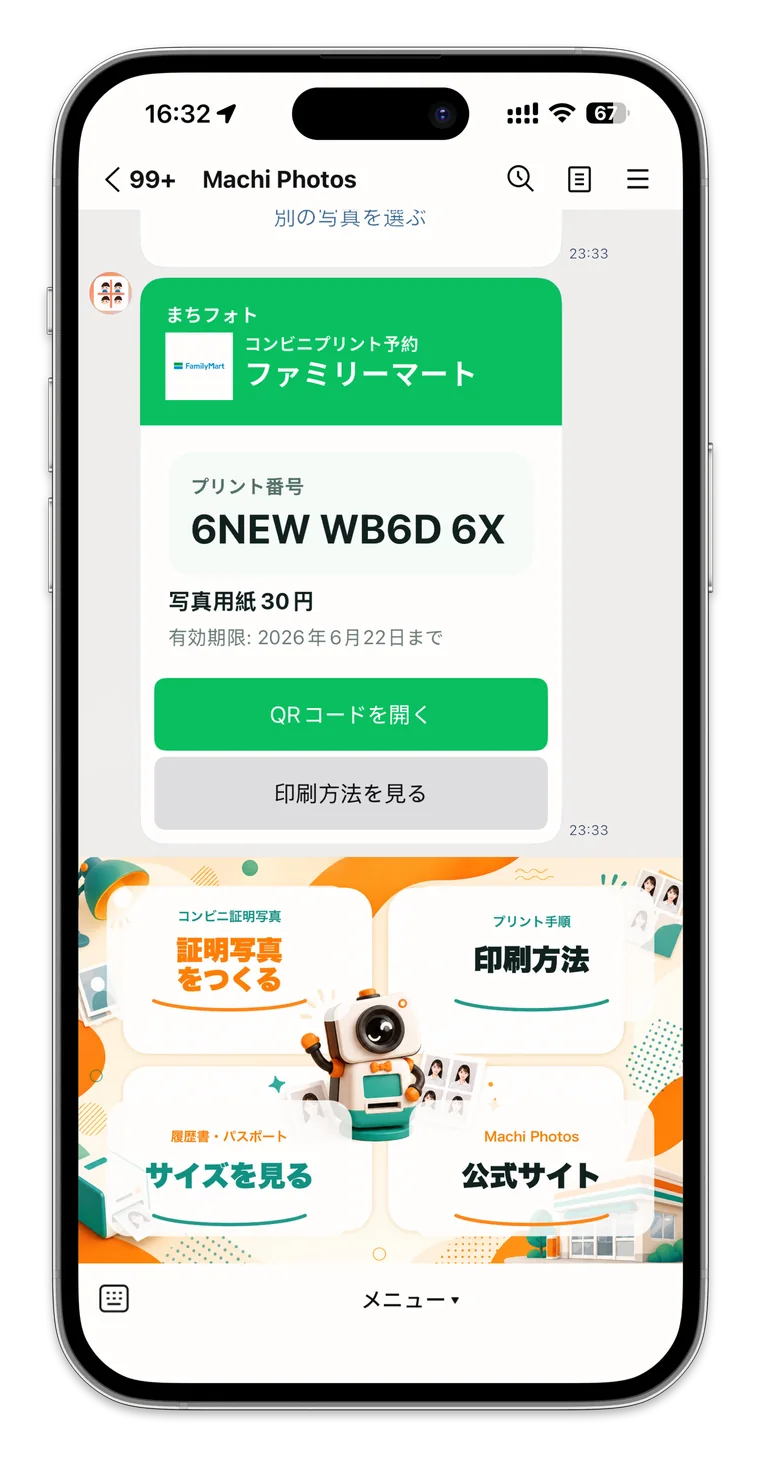
Create an ID photo on your phone, export an L-size print sheet, issue a reservation code, and print at 7-Eleven, Lawson, FamilyMart, and other stores.
Read guide
A practical guide to phone ID photo lighting, face position, outfit, background, size checks, and common NG examples.
Read guide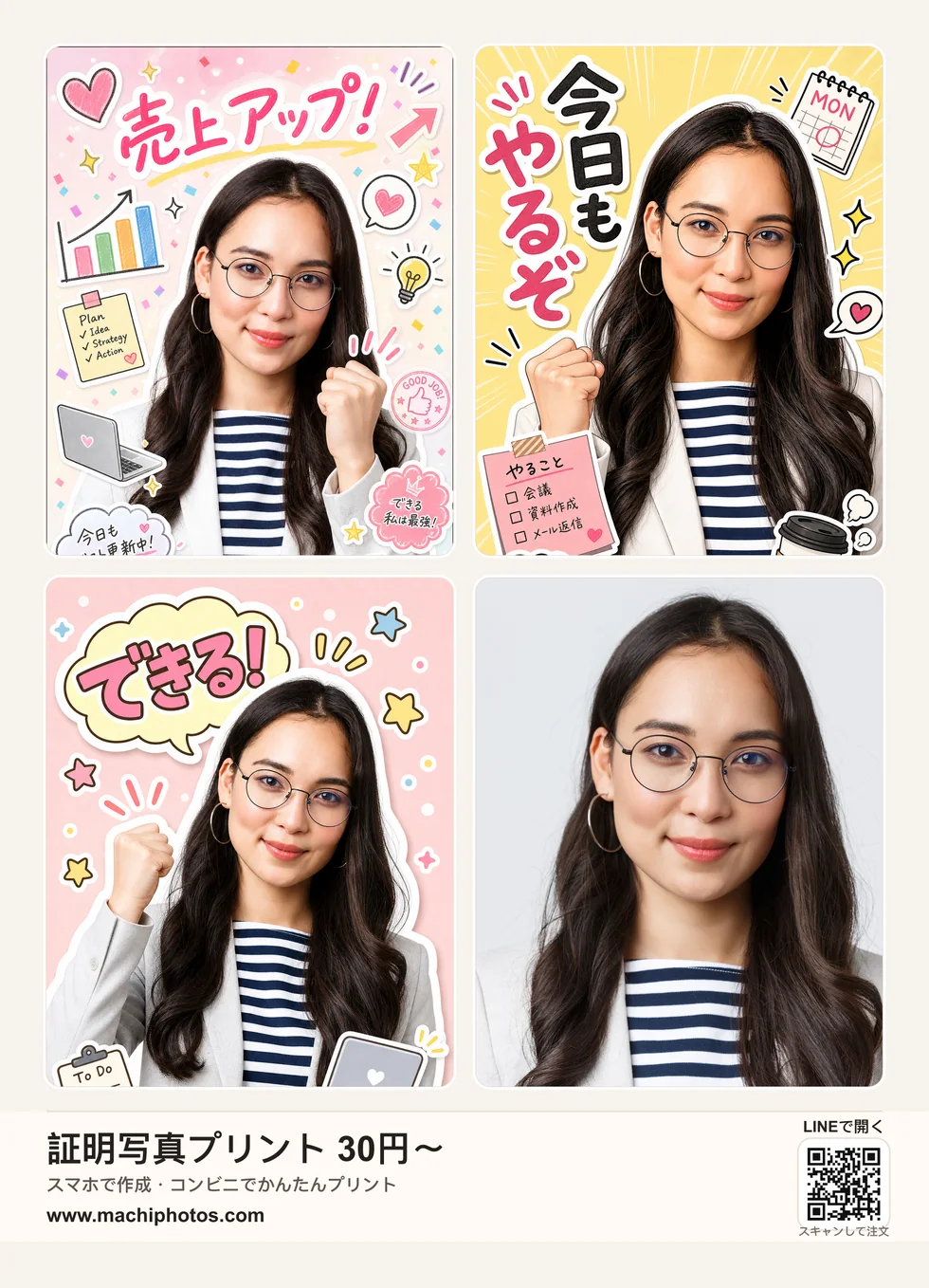
A guide to 35 x 45 mm passport photos, background, face position, photo age, NG examples, phone creation, and convenience-store printing.
Read guideCreate common ID photo sizes for resumes, school IDs, My Number, and other applications.
Yes. Creation, background changes, natural retouching, L-size sheet export, and reservation QR are free. ¥30+ is the guide price for the convenience-store L-size print fee when you print.
Print at major supported convenience stores such as 7-Eleven, Lawson, and FamilyMart.
After upload, adjust position and zoom until you are satisfied before printing.