 Machi Photos
An ID photo is not only about size. Face direction, light, background, outfit, and photo age all affect whether the image looks appropriate. With a few checks, a phone photo can be prepared for resumes, passports, My Number, residence cards, visas, and exams.
1. Take the photo from the front in good light
Use a bright place near a window, face the camera, and avoid strong backlight or a dark room. A single overhead light can create shadows on the face.
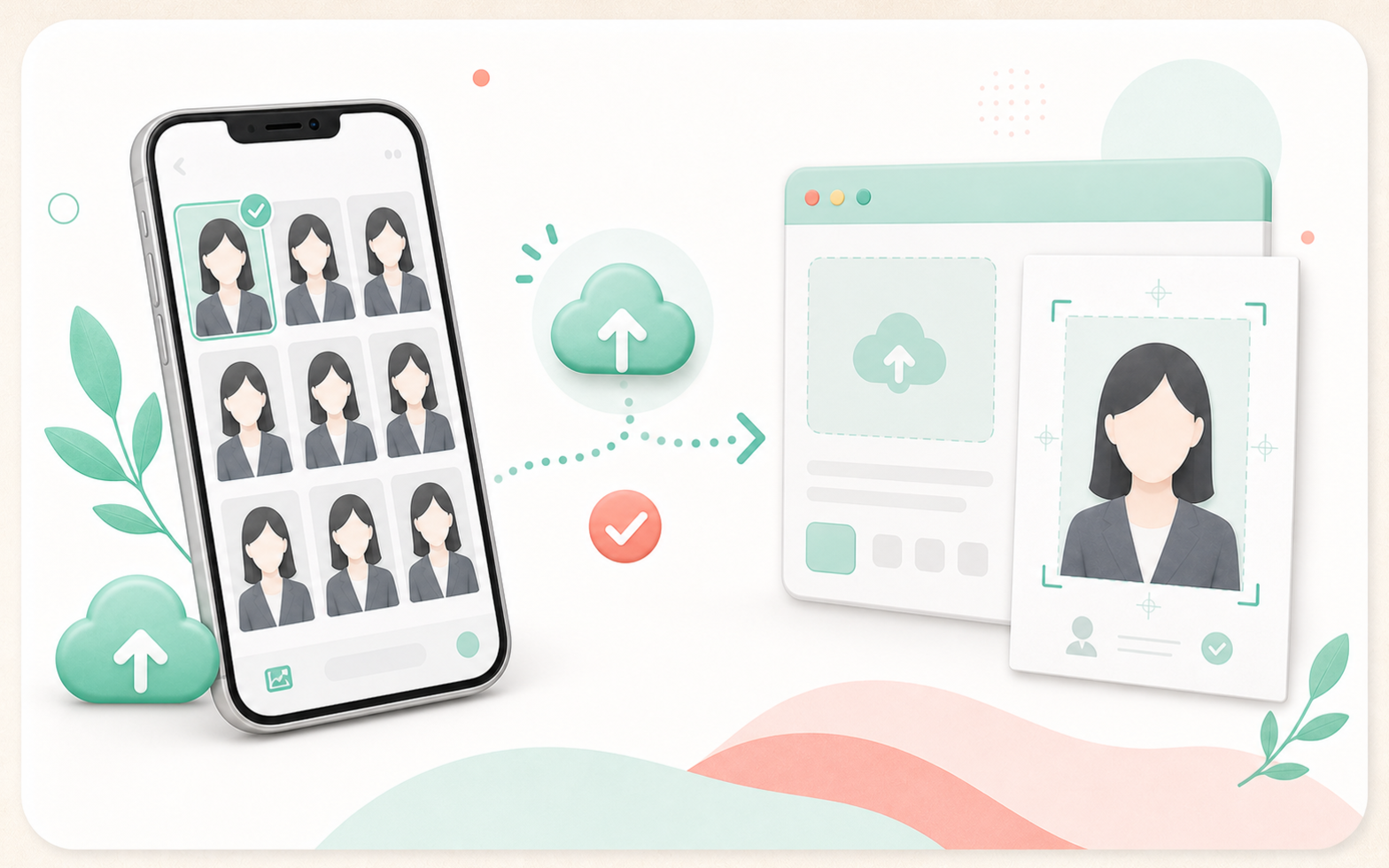
Keep the camera near eye level. Leave enough space around the head, chin, and shoulders so the crop can be adjusted later.
2. Use a white or light plain background
If the destination specifies a background color, follow that rule. When there is no instruction, white, light gray, or pale blue backgrounds usually work well.
Avoid furniture, posters, shadows, and patterns. If the original background is messy, Machi Photos can change it to white or another plain color.
3. Choose an outfit for the purpose
For resumes and job hunting, a jacket or collared shirt is usually safe. For passports and My Number, choose calm clothing that keeps the face outline clear.
White clothes on a white background can make the shoulders disappear. A jacket or simple collared top is easier to adjust.
4. Check face position and size
After shooting, choose the size required by the destination. Common sizes include 30 x 40 mm for resumes, 35 x 45 mm for passports and My Number, and 24 x 30 mm for driver licenses.
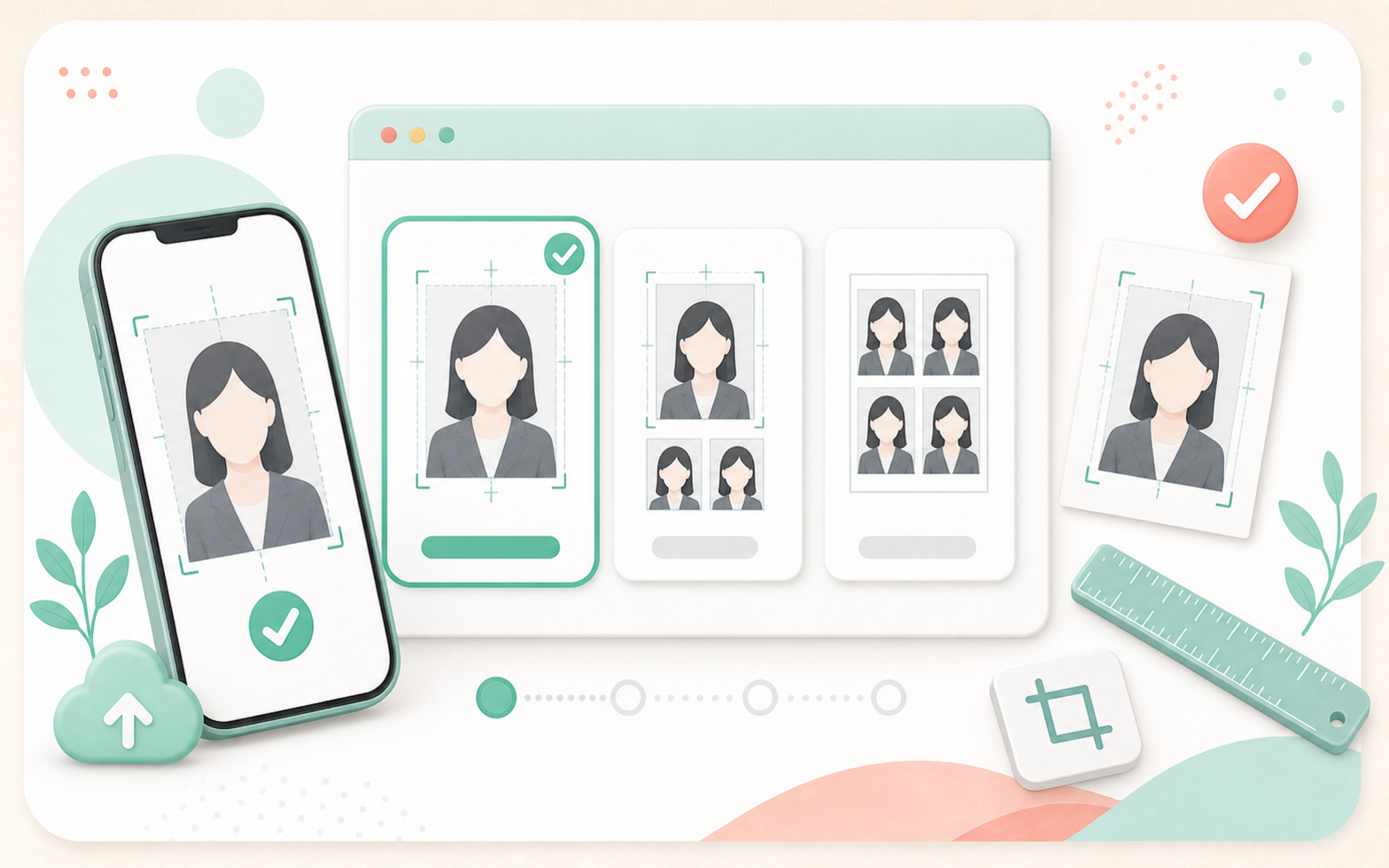
Avoid a face that is too small, too much space above the head, or shoulders cut off. If you are unsure, check the application guide first.
5. Avoid common NG examples
Avoid dark faces, eyes hidden by hair or glasses glare, cluttered backgrounds, cut-off heads, side-facing poses, heavy filters, and photos that are too old.
How old a photo can be depends on the destination. Many applications specify a recent photo, so always check the instructions.
6. Print on an L-size sheet at convenience stores
When the photo is ready, check the L-size print sheet. Machi Photos places multiple photos on one L-size sheet based on the selected size.
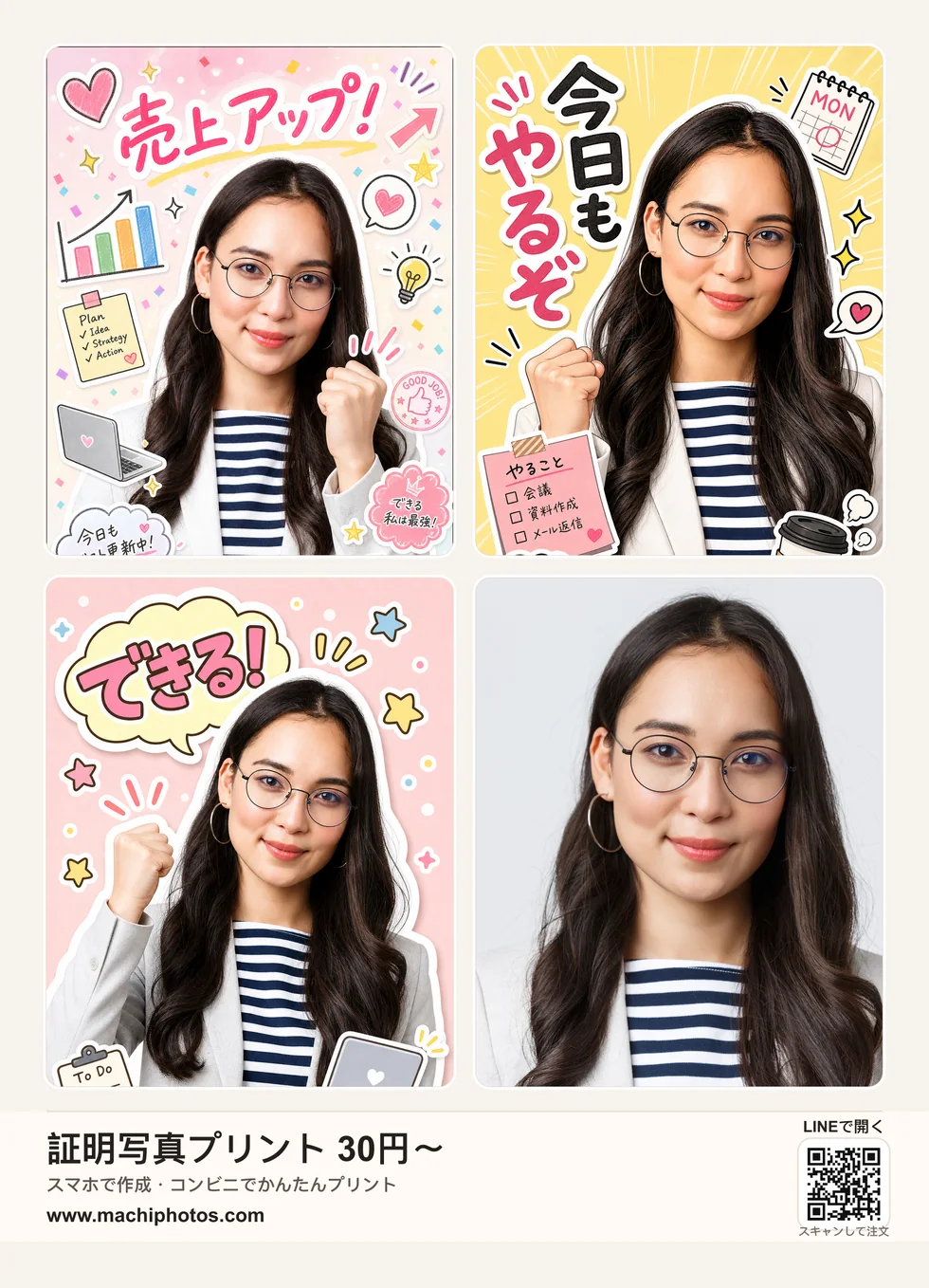
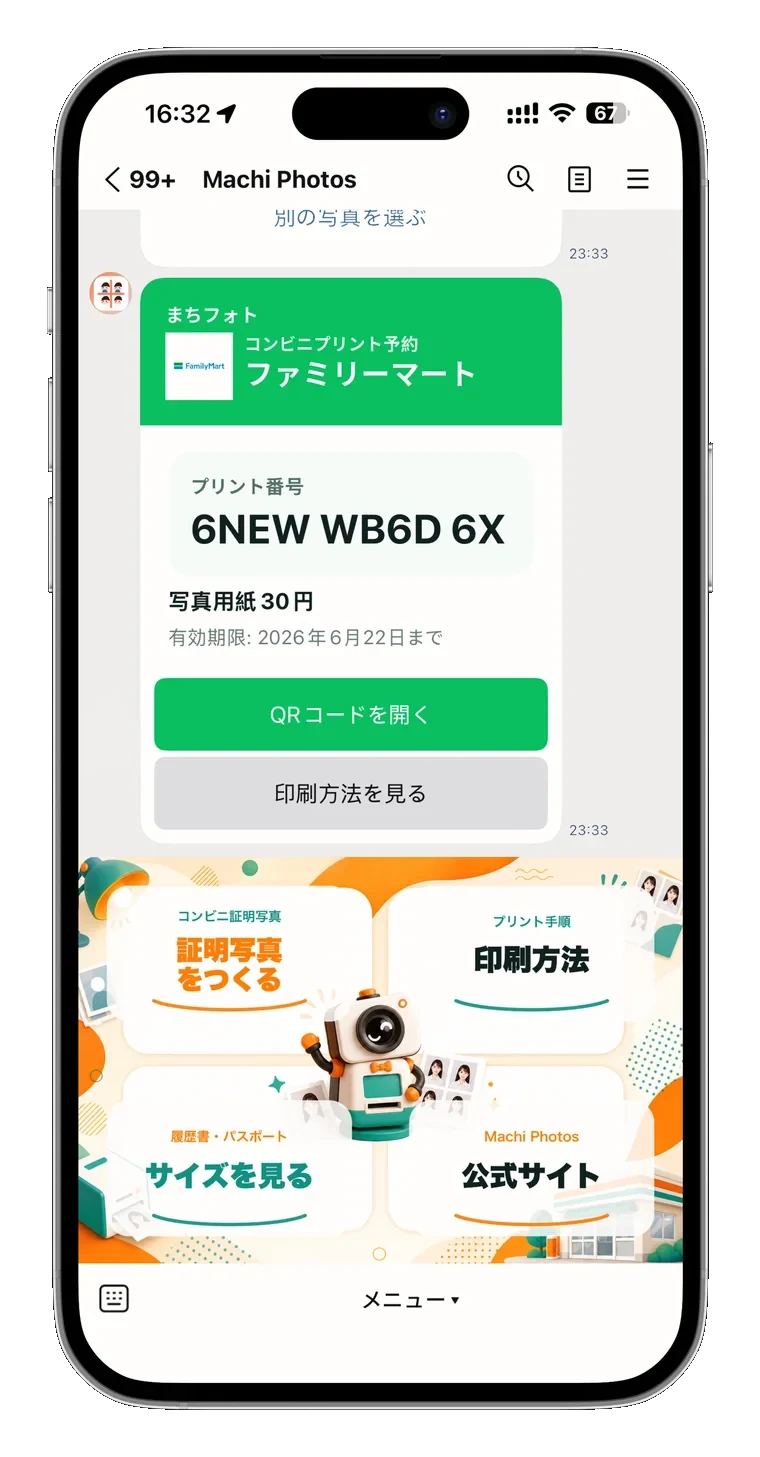
For convenience-store printing, issue a reservation number or QR code and print it as an L-size photo at the store copier.
Want to create an ID photo from a phone photo?
Create ID photo