 Machi Photos
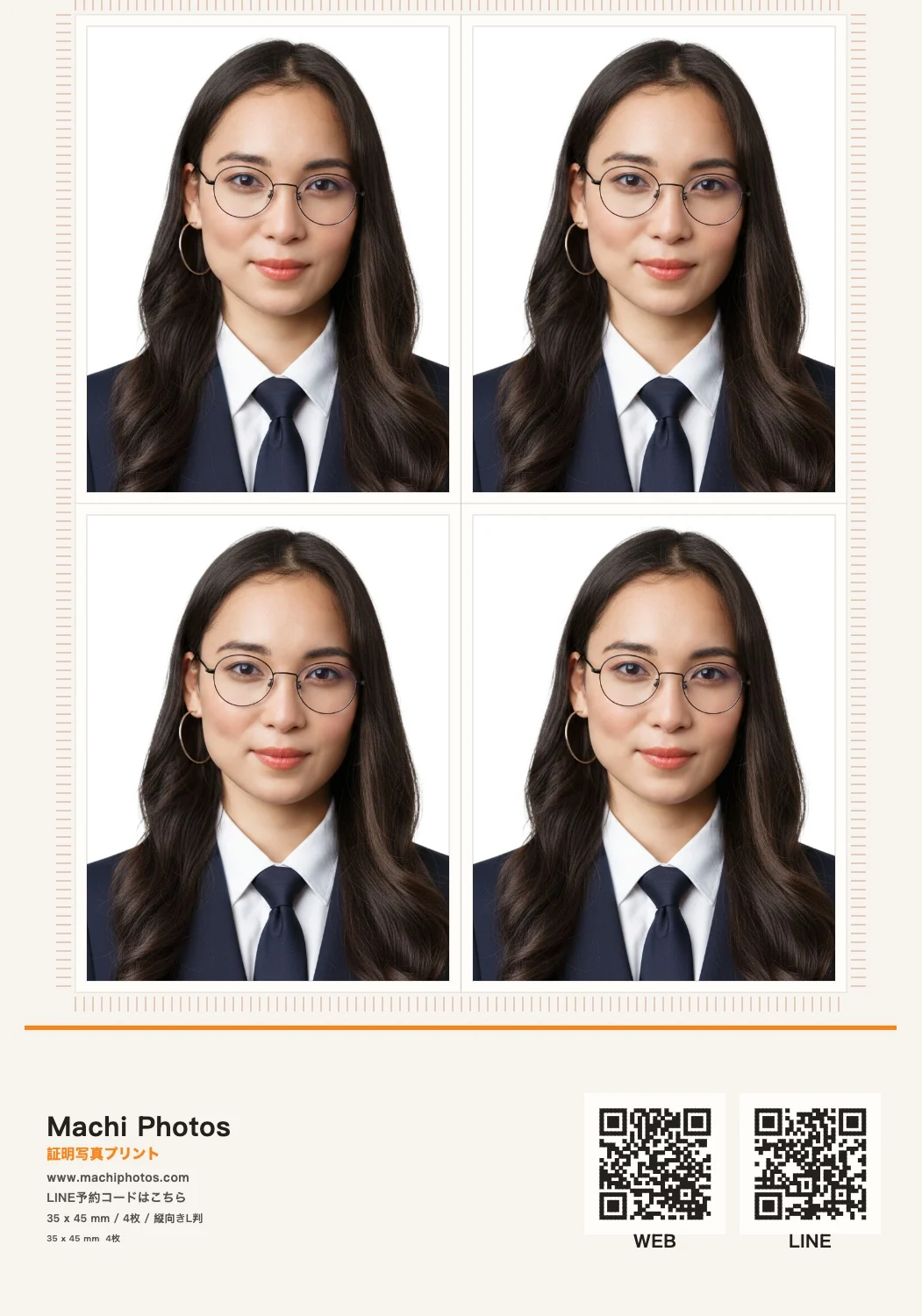
My Number Card photos need a clear face, correct size, and plain background. With Machi Photos, you can create a 35 x 45 mm photo from your phone and print it on an L-size sheet at convenience stores.
1. Choose 35 x 45 mm
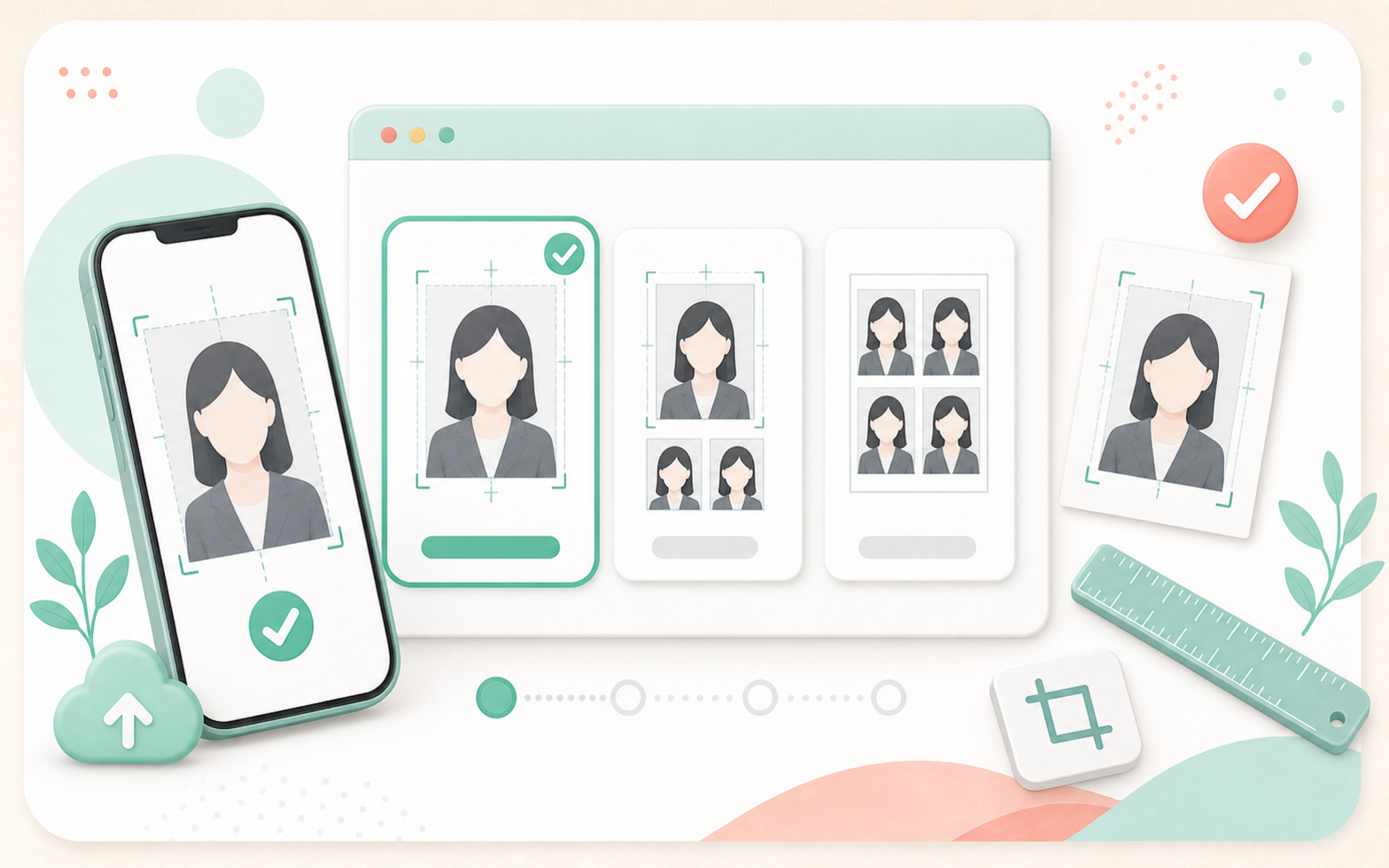
My Number Card applications commonly use a 45 mm high x 35 mm wide photo. Choose the My Number 35 x 45 mm preset and the crop guide and print layout update automatically.
2. Use a recent photo
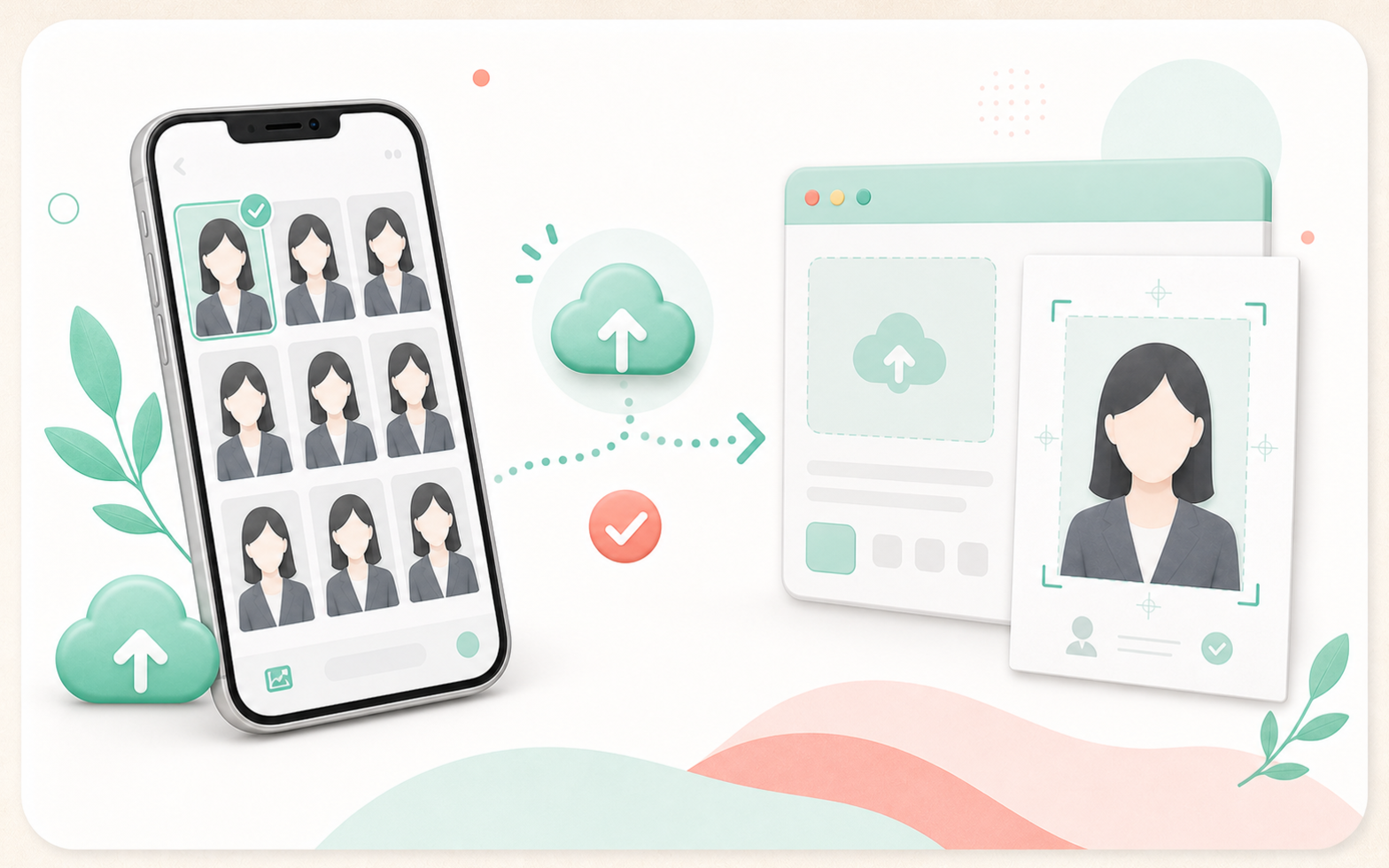
Use a recent photo that clearly identifies you. If your hairstyle, glasses, or face impression changed, take a new photo.
3. Use a plain background
White, light gray, or pale blue backgrounds are easy to use. Avoid shadows, furniture, patterns, other people, and objects.
4. Avoid common mistakes
Common NG examples include shadowed backgrounds, dark faces, side-facing poses, hidden eyes, cut-off head, old photos, and heavy retouching.
5. Print at convenience stores
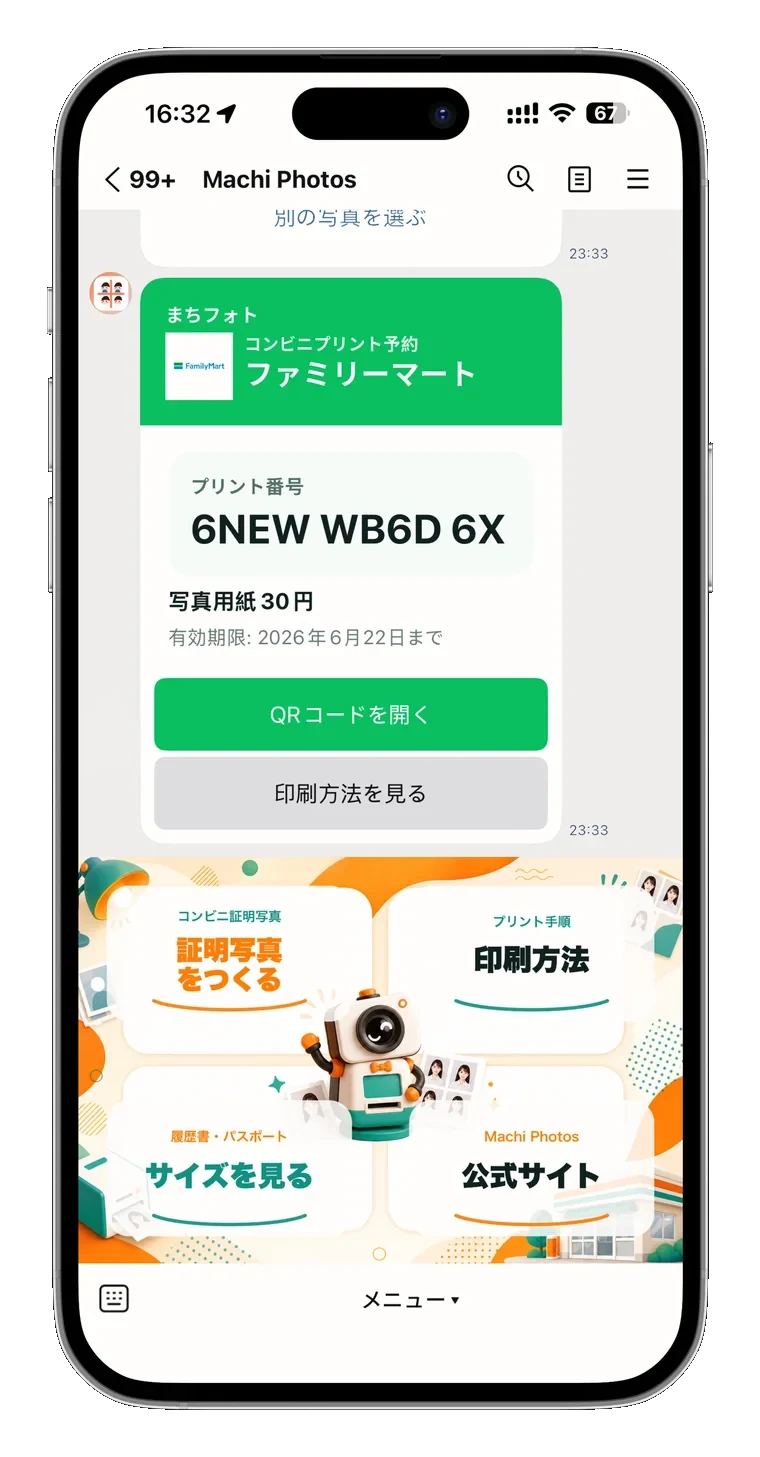
Create an L-size sheet, review the preview, then issue a reservation number or QR code for convenience-store printing.
Need a 35 x 45 mm My Number Card photo?
Create My Number Card photo