 Machi Photos
Passport photos need careful size, face position, background, and photo age checks. With Machi Photos, you can create a 35 x 45 mm passport photo from a phone picture and print it on an L-size sheet at convenience stores.
1. Choose the 35 x 45 mm passport size
Japanese passport applications commonly use a 45 mm high x 35 mm wide photo. Select the passport 35 x 45 mm preset in Machi Photos and the crop guide and print layout update automatically.

Always check the latest instructions from the application destination. Overseas applications and visas may use the same size but different rules.
2. Use a recent photo
Passport photos usually need a recent image that clearly identifies you. If your hairstyle, glasses, or face impression changed a lot, take a new photo instead of using an old one.
3. Use a plain background without shadows
White, light gray, or pale blue plain backgrounds are usually easy to use. Avoid furniture, patterns, strong shadows, other people, and objects.

If the original background has shadows or objects, Machi Photos can change it to white or another plain color before you check the result.
4. Check face position and expression
Face the camera, keep the eyes open, and use a natural expression. Make sure the head, chin, and shoulders are not cut off and align the face to the guide.
Avoid glasses glare, hair covering the eyes, hats, masks, and heavy retouching.
5. Common NG examples
Common mistakes include shadowed backgrounds, dark faces, side-facing poses, open-mouth expressions, hidden eyes, cut-off head, old photos, and filters that make identity confirmation difficult.
When unsure, compare the photo with the official photo rules before printing.
6. Print on an L-size sheet at convenience stores
A 35 x 45 mm passport photo can be placed multiple times on an L-size sheet. Check the preview before printing.

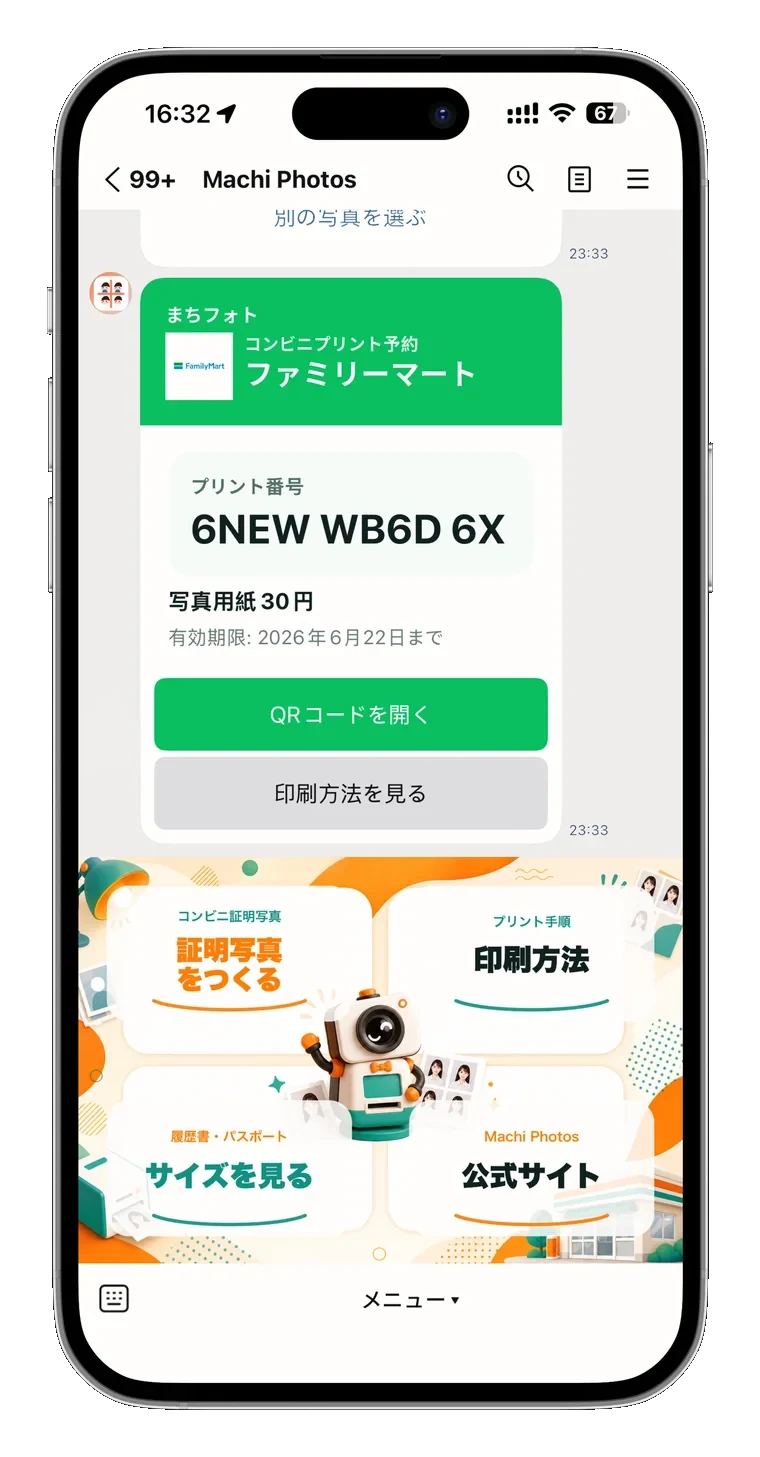
For convenience-store printing, issue a reservation number or QR code and print it as an L-size photo at the store copier.
Need a 35 x 45 mm passport photo?
Create passport photo