 Machi Photos
A Japanese resume photo looks better when size, outfit, background, and face position are consistent. With Machi Photos, you can create a 30 x 40 mm resume photo from a phone picture and print it on an L-size sheet at convenience stores.
1. Check the standard resume photo size
Japanese resumes commonly use 40 mm high x 30 mm wide photos. Select the resume 30 x 40 mm preset in Machi Photos and the print layout is prepared automatically.
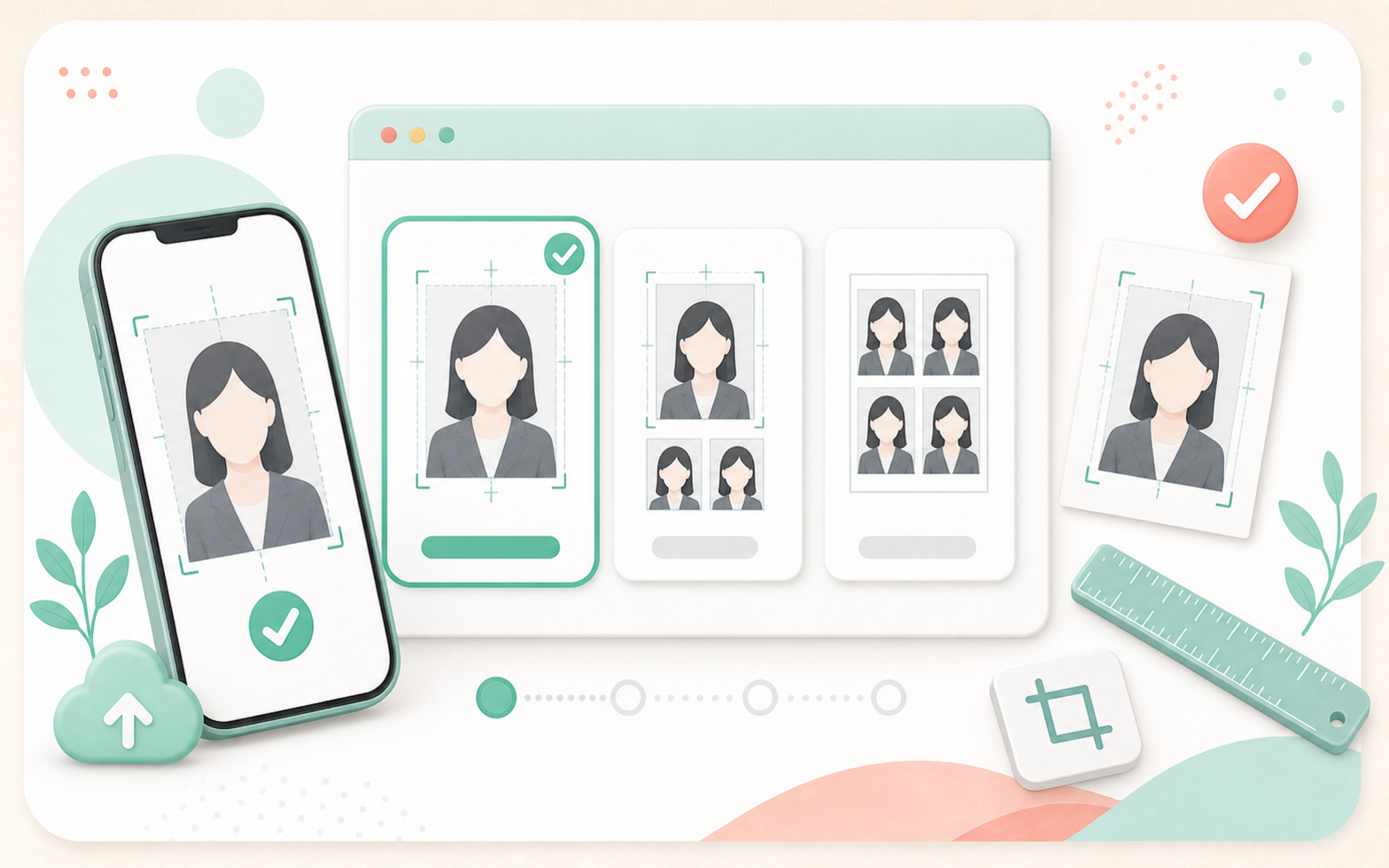
If the employer or application form specifies another size, follow that instruction first. When there is no special instruction, 30 x 40 mm is usually the safest choice.
2. Choose a clean outfit
For job hunting and career changes, a jacket or collared shirt usually works well. For part-time applications, avoid loud patterns and large logos so the photo fits the resume format.
If you wear white on a white background, the shoulders may disappear. Use a jacket or a light plain background when needed.
3. Take a bright front-facing phone photo
Use a bright place, face the camera, and keep the head, chin, and shoulders inside the frame. Check that the eyes are not covered by hair or glasses glare.
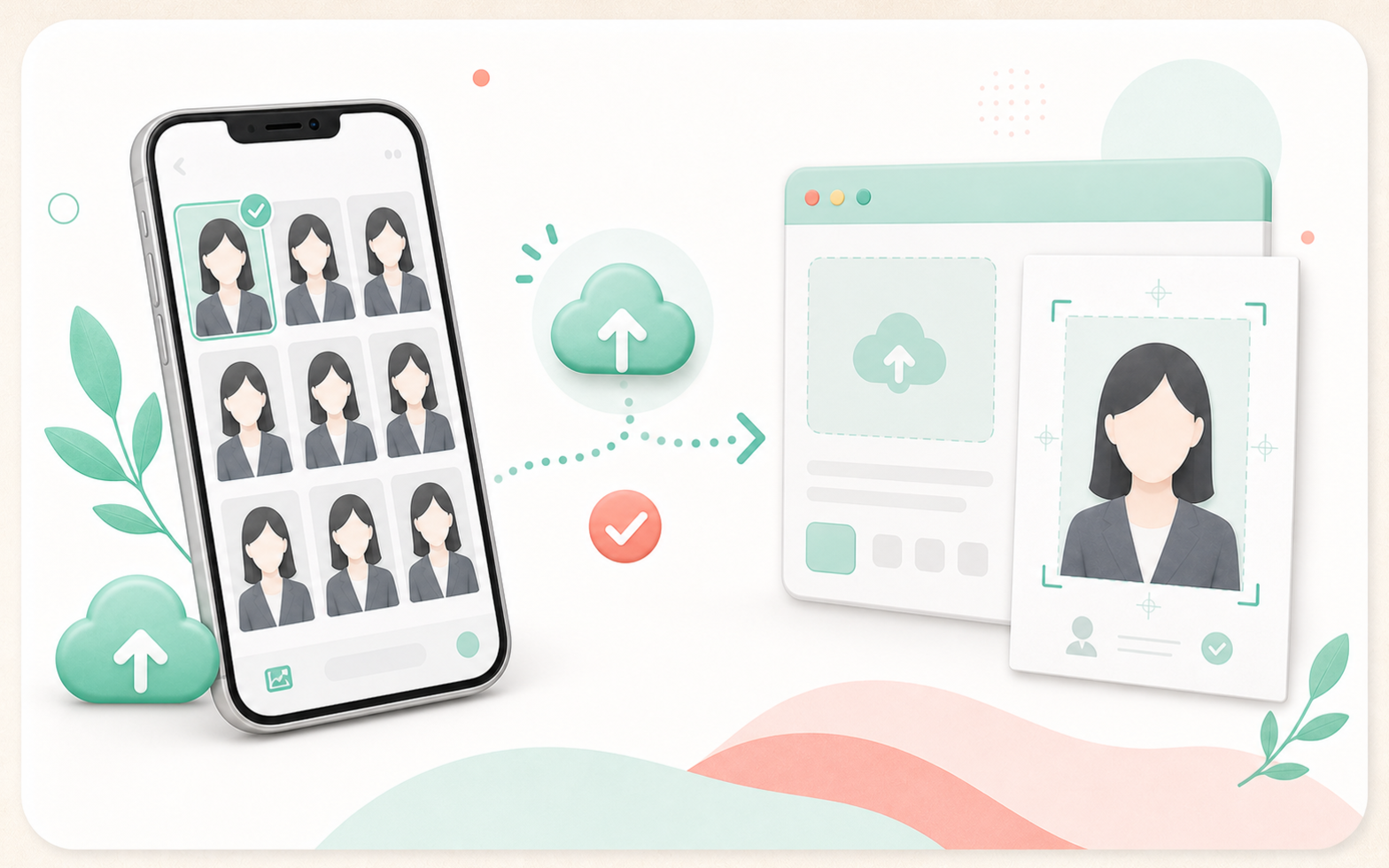
Use a natural expression and avoid heavy retouching or filters.
4. Adjust background and face position
If the background has furniture, shadows, or patterns, change it to white or a plain light color. Align the face center, headroom, and shoulders inside the 30 x 40 mm frame.
5. Print the L-size sheet at a convenience store
After confirming the photo, create an L-size print sheet. A 30 x 40 mm resume photo can be placed multiple times on one L-size photo print.
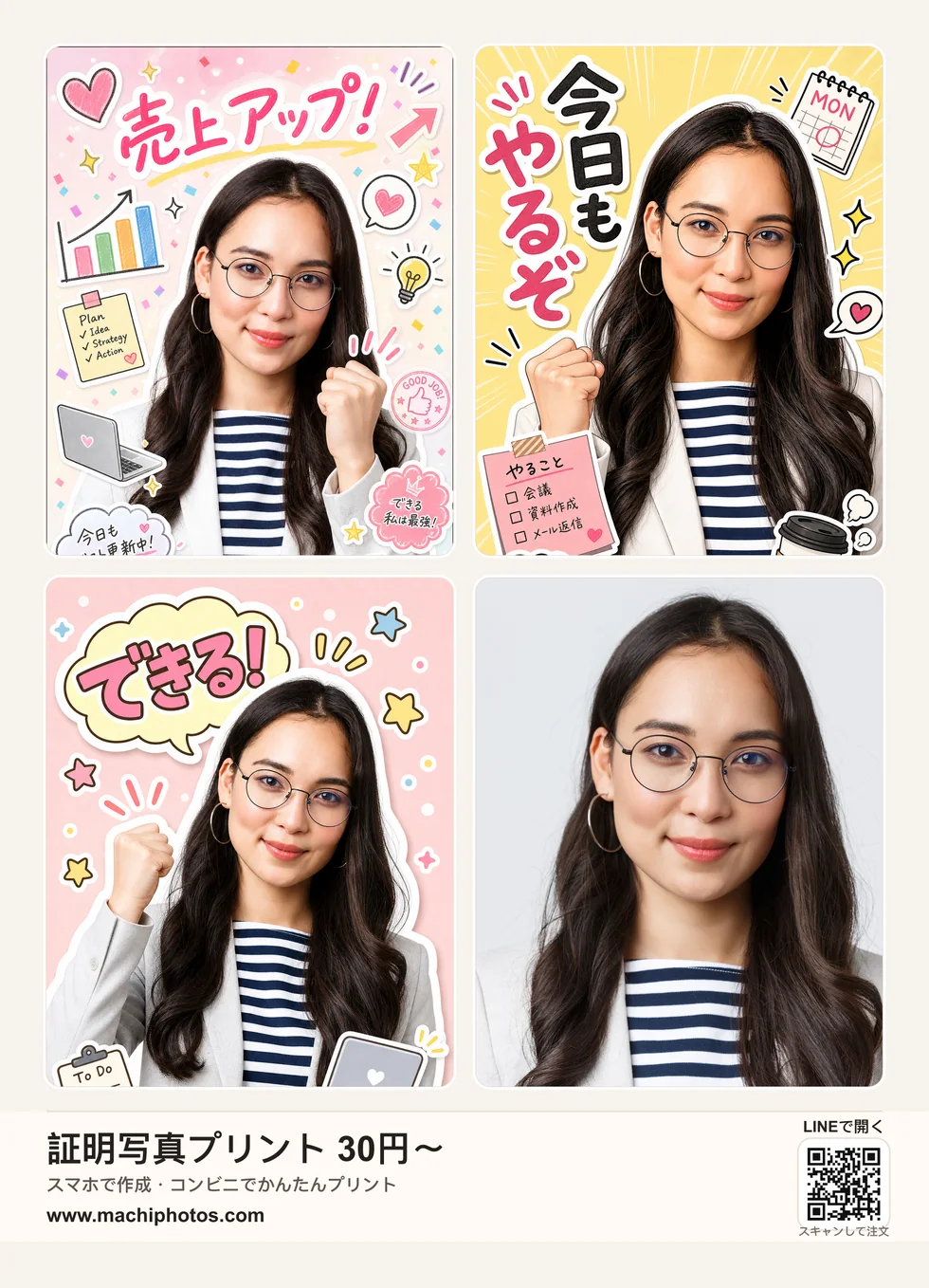
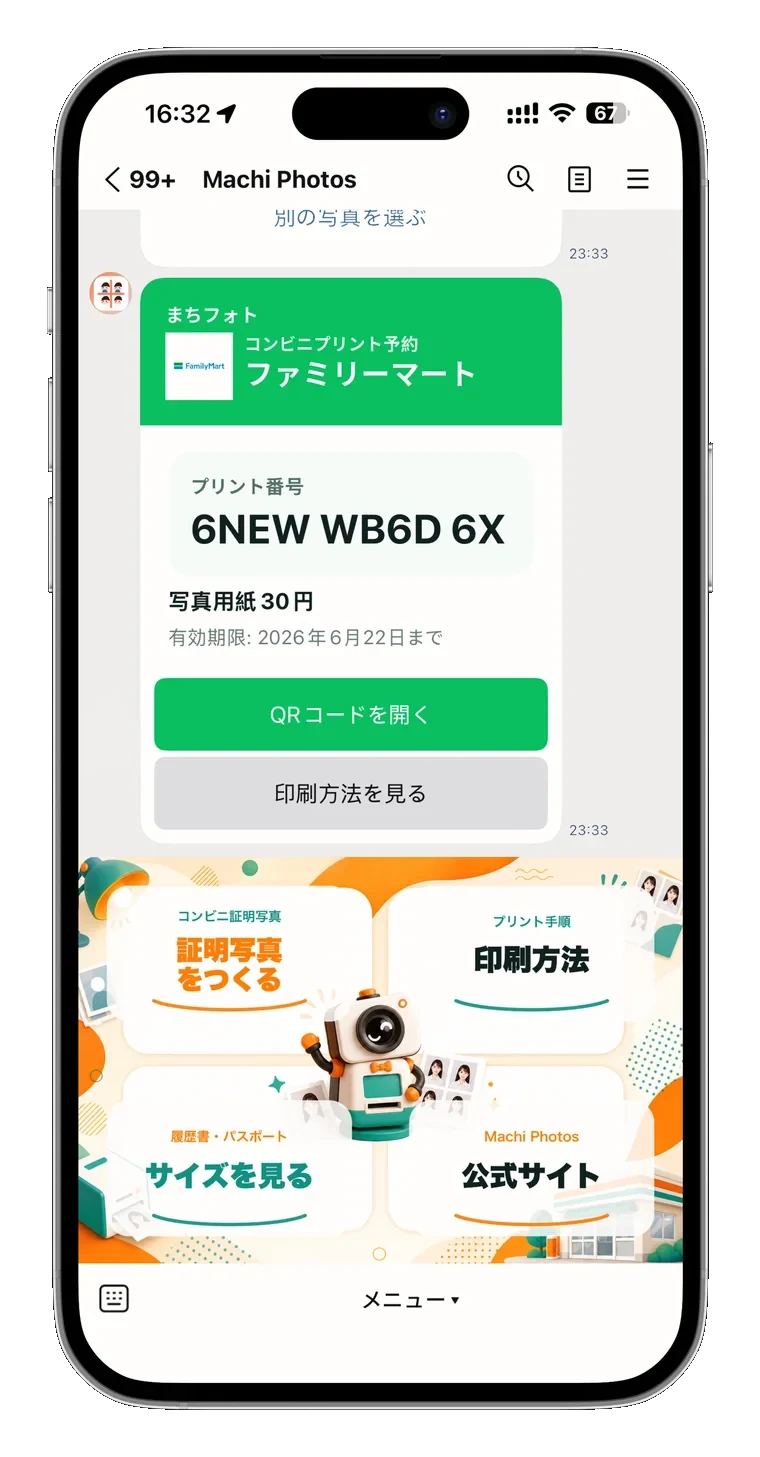
For convenience-store printing, issue a reservation number or QR code and use it at supported 7-Eleven, Lawson, FamilyMart, and other store copiers.
Common mistakes to avoid
Avoid dark faces, cluttered backgrounds, cut-off heads or shoulders, overly casual clothes, and photos that are too old. Check the employer instructions and the photo box size before printing.
Need a 30 x 40 mm resume photo?
Create resume photo