 Machi Photos
Visa photo rules change by country and application center. With Machi Photos, you can create a visa photo from a phone picture, choose the right country size, place it on an L-size sheet, and issue a convenience-store print reservation code.
1. Check the country size first
Always confirm the width, height, background, photo age, glasses, and clothing rules from the destination. China visa photos often use 33 x 48 mm. US visa photos use 51 x 51 mm or 2 inch. Some destinations use 50 x 50 mm or 35 x 45 mm.
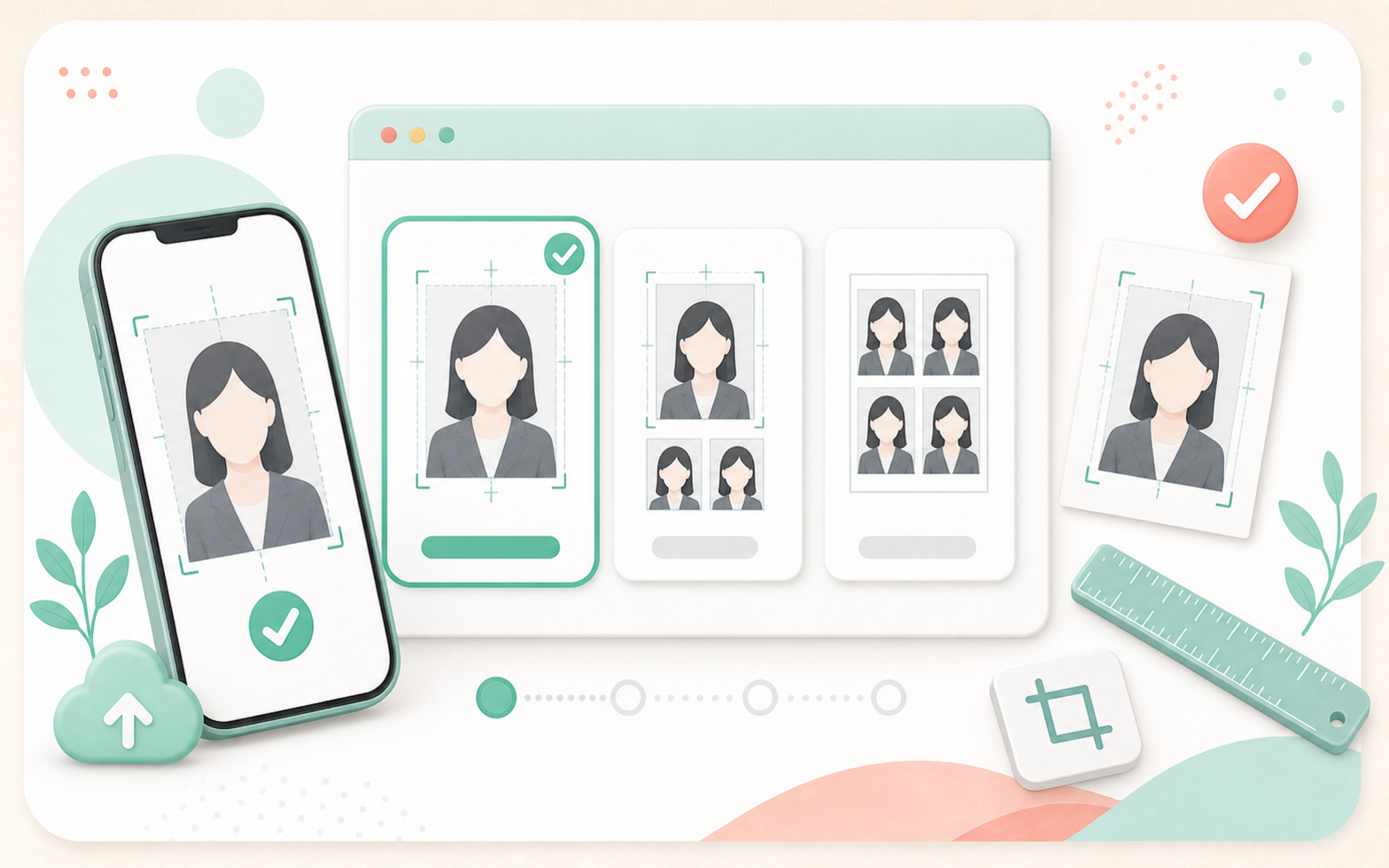
If the exact size is not listed, use custom size and enter the millimeters required by the application center.
2. Upload a front-facing phone photo
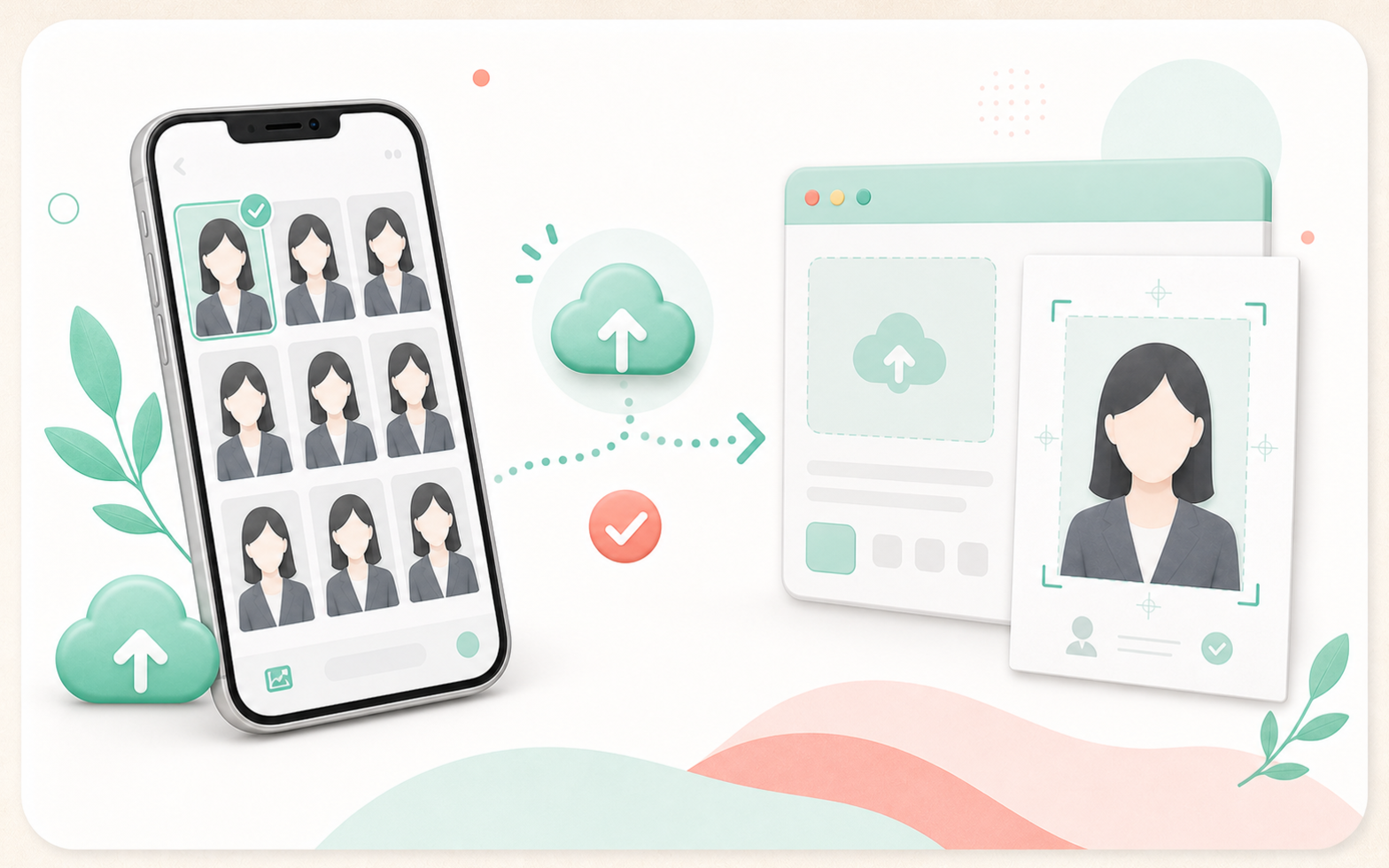
Use a bright photo facing the camera. Keep the head, chin, and shoulders visible so the crop can fit sizes such as 33 x 48 mm and 51 x 51 mm.
3. Adjust background and face position
Many visa applications require a white or plain light background. Avoid shadows, furniture, patterns, people, and objects. Machi Photos can change the background and help you check headroom, face center, and shoulders.
4. Avoid common mistakes
Common NG examples include shadowed backgrounds, dark faces, side-facing poses, open-mouth expressions, glasses glare, hair covering the eyes, cut-off head or shoulders, and heavy retouching.
Some countries do not allow glasses, require a recent photo, or reject white clothing on a white background, so compare the result with the official rules before printing.
5. Print on an L-size sheet at convenience stores
After checking the photo, create an L-size sheet for the selected country size. The number of copies changes by size, so review the preview before printing.
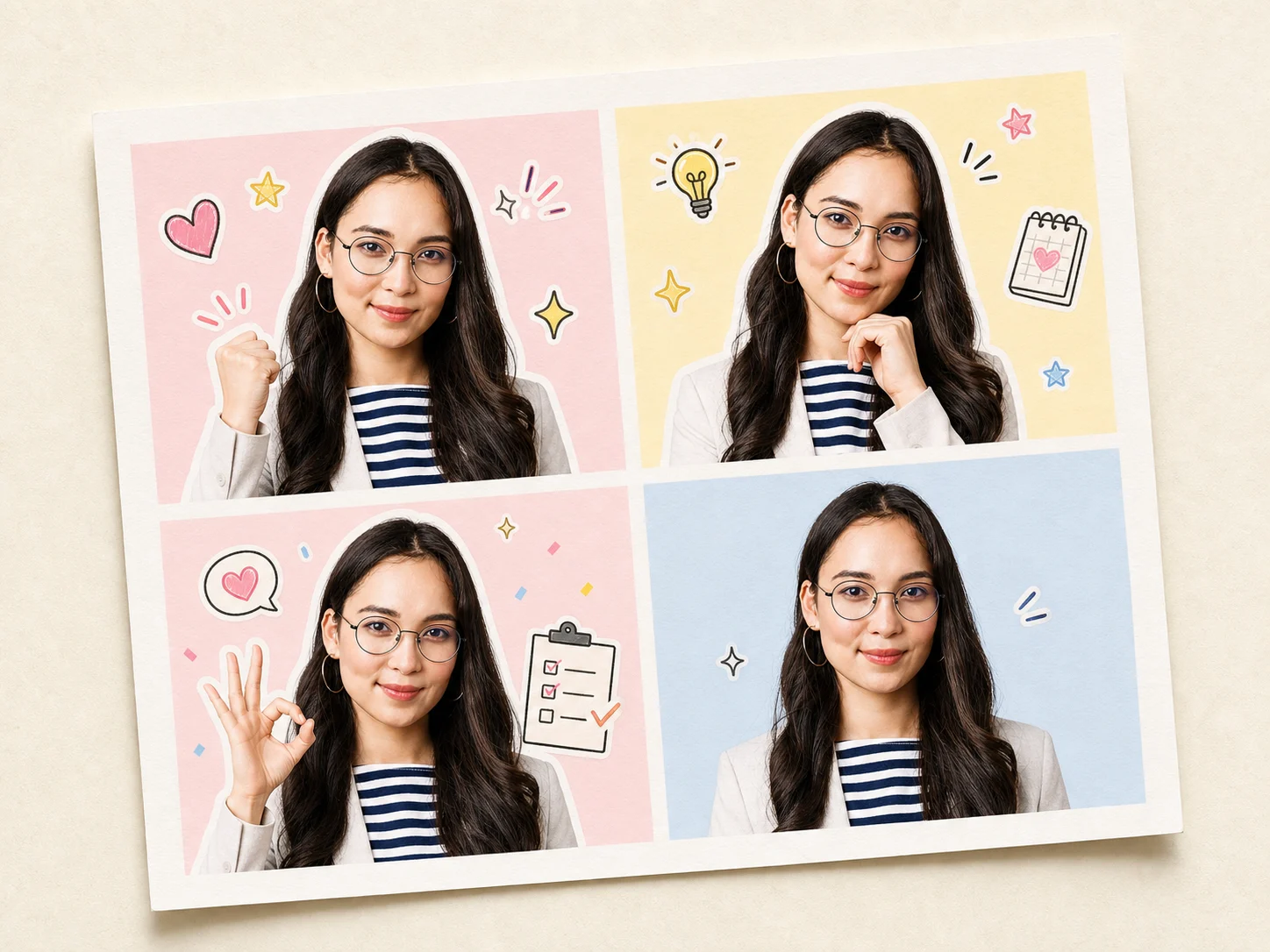
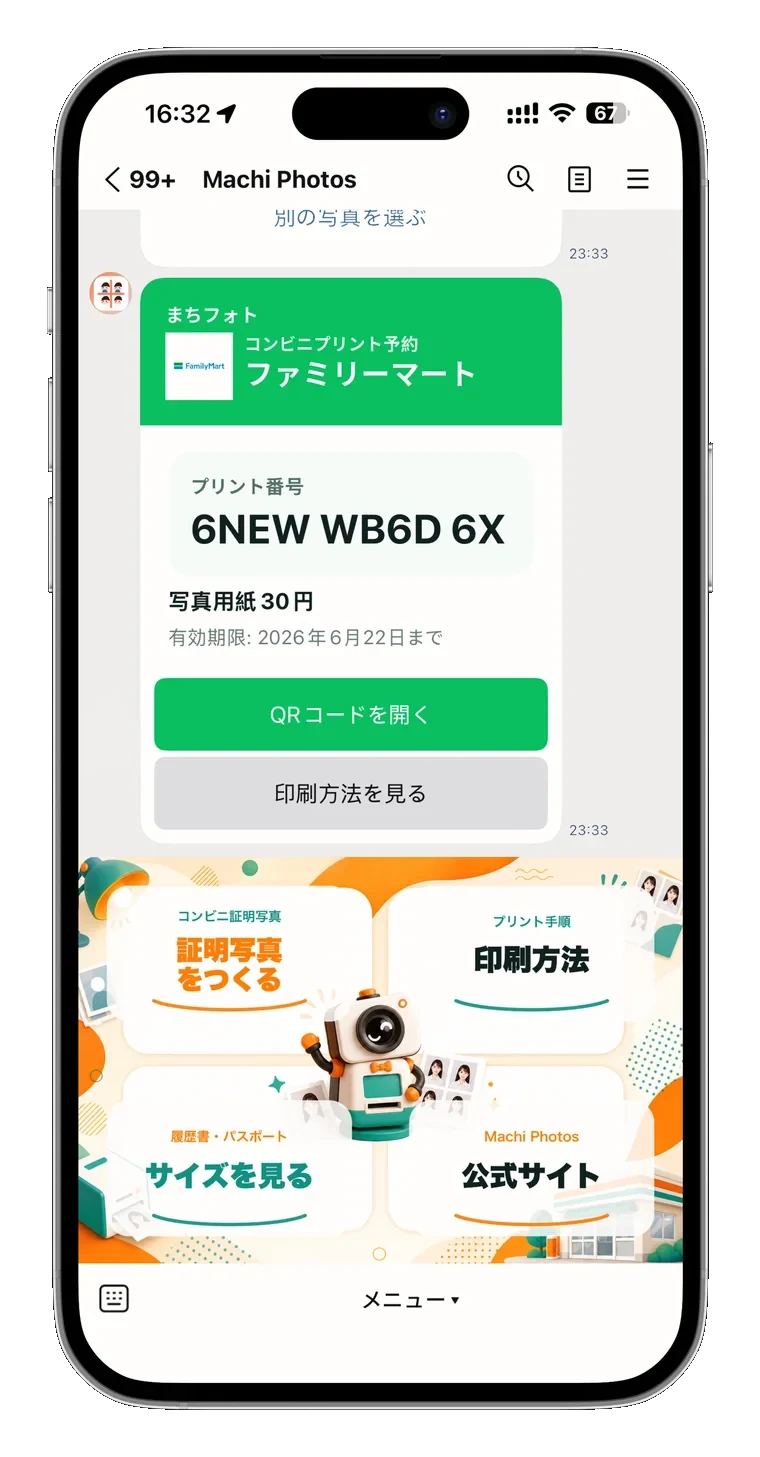
For convenience-store printing, issue a reservation number or QR code and print it as an L-size photo at the store copier.
Need a visa application photo?
Create visa photo