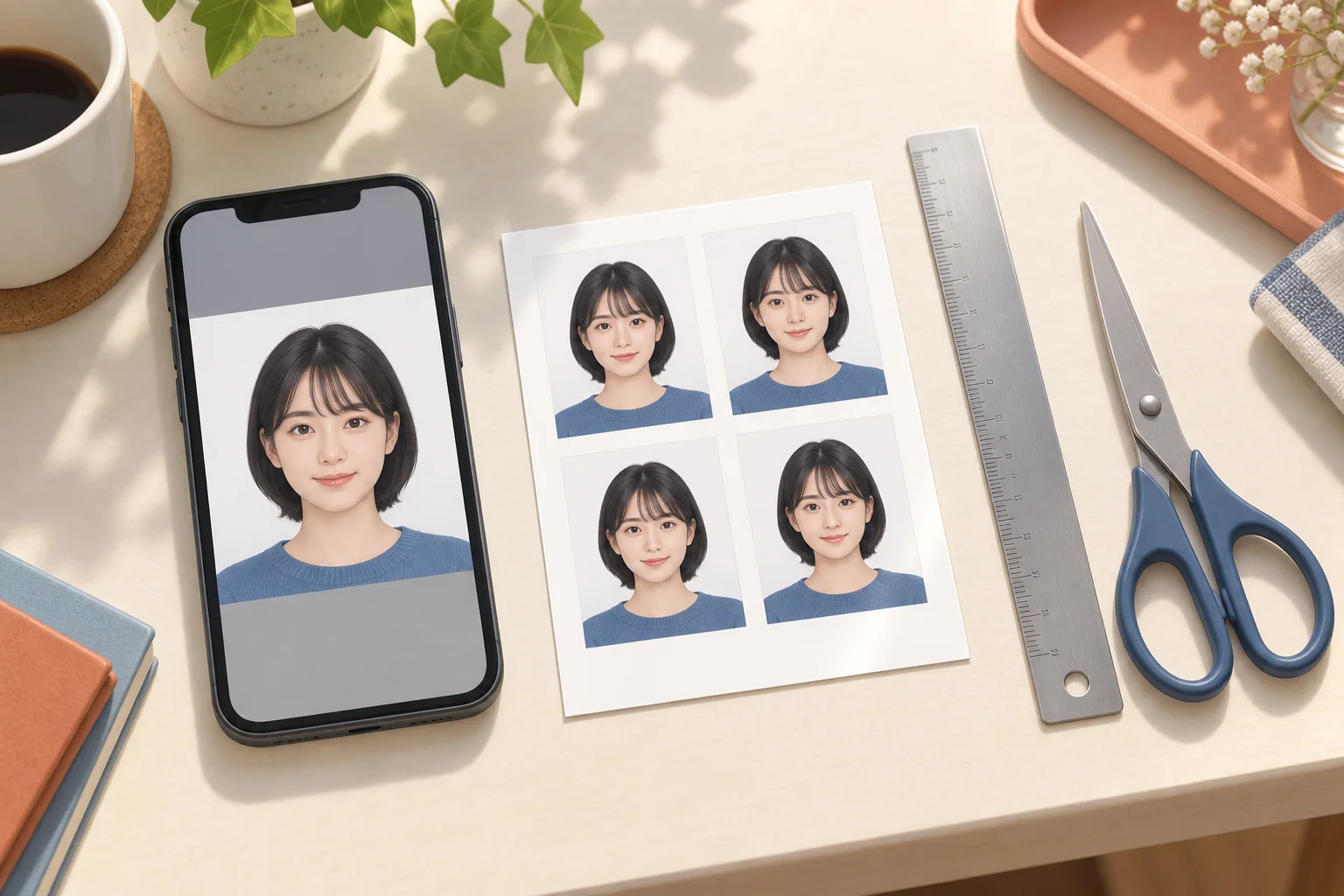
Check your L-size sheet, store network, print preview and source photo before spending money on another print.
AI-generated illustration of photo preparation; not an app screenshot or an actual printed sample.
Choose L-size photo paper
An L-size print sheet is 89 × 127 mm. Select photo printing on L-size photo paper, then check the preview. Printing the same file on A4 plain paper changes the intended output. A machine's separate ID-photo service may apply its own layout and price; do not lay out an already arranged sheet again.
If the face is cut off or the size changes
Check the exported sheet first. If the face is already cropped there, move or zoom out the portrait in the editor. If only the paper print is cropped, check the machine's crop and fit settings and select a preview that preserves the whole sheet. Do not enlarge the portrait to fill the entire paper. Measure one finished photo with a ruler before cutting or submitting it.
If the print looks dark or blurry
A bright phone screen can hide an underexposed photo. View the original at normal screen brightness and inspect the eyes and hair at full size. Use the original image instead of a screenshot or a repeatedly compressed chat attachment. If detail is missing, retake the photo in even daylight; increasing pixel dimensions cannot restore lost detail.
If the reservation number does not work
Confirm the store network, the code's expiry and whether registration actually completed. A 7-Eleven netprint code is not a Lawson or FamilyMart Network Print code. Open the completed reservation screen and follow that store's instructions. If registration failed, retry after checking the file and connection; do not mistake an upload progress screen for a confirmed reservation.
Separate creation cost from store printing
Machi Photos creation and print-sheet preparation are free. The store charges for printing: the published 7-Eleven netprint L-size price is ¥40, while FamilyMart and Lawson list ordinary L-size photo printing at ¥30. These are different from dedicated ID-photo or content-print services. Check the machine's final price and available paper before paying.