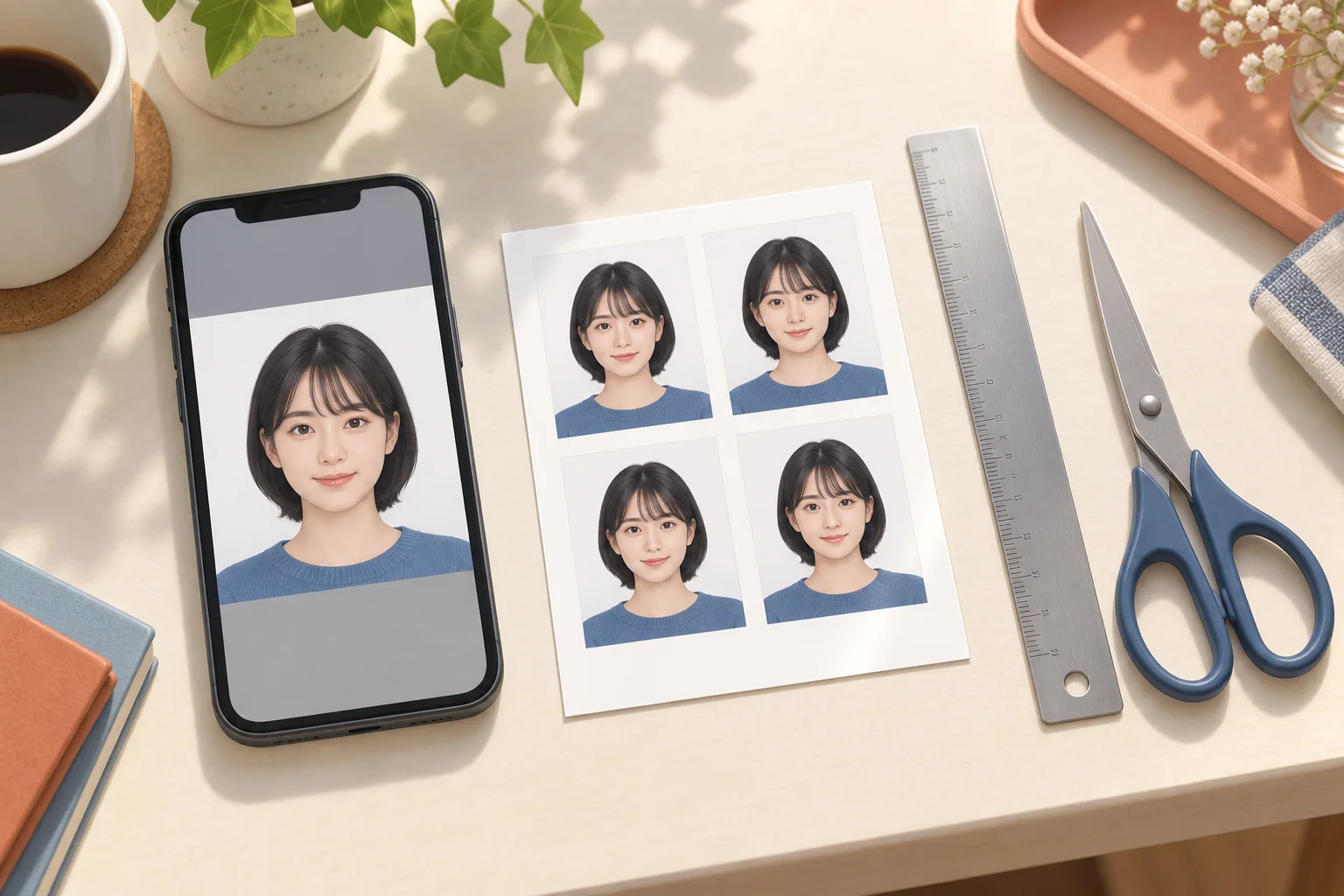
Understand single portraits versus print sheets, aspect ratios and 200 KB, 500 KB or 2 MB limits before submitting a photo online.
AI-generated illustration of photo preparation; not an app screenshot or an actual printed sample.
Online applications need a single portrait
An L-size sheet contains several photos and is meant for printing. For a web application, prepare one portrait matching the destination's required aspect ratio, pixels and file format. Do not submit the whole sheet or a screenshot of it. Machi Photos' print-sheet download is not a promise of a file meeting a particular online portal's limits; check the destination's upload instructions separately.
Resize without changing the face shape
Write down width and height in pixels before resizing. For example, width 450 × height 600 px has the same 3:4 ratio as a 30 × 40 mm portrait; this is an example, not a universal application requirement. Crop to the ratio first and then resize, keeping proportions locked. Changing only a DPI label does not establish the pixel dimensions or the file size.
200 KB, 500 KB or 2 MB limits
Check whether the portal specifies a minimum, maximum or both. Pixel dimensions and file size are different. Export in the accepted format, adjust compression gradually and check the resulting file's actual size and facial detail. Renaming PNG to JPG is not conversion. A file under 200 KB is not automatically suitable if the portal requires a larger minimum.
White background, shadows and glasses
Take the photo facing the camera in even light, with enough room above the head and around the shoulders. Move away from the wall to reduce shadows. After background changes, inspect hair, ears and shoulders for missing edges. Keep the person's appearance faithful; check the destination's own rules for glasses, hair, expression and editing.
Japan residence-card photo: paper and online
For the paper photo, Japan's Immigration Services Agency specifies height 40 × width 30 mm and a photo taken within six months before submission. Follow its front-facing, clear, background-free example and the instructions for your procedure. Online applications have a separate photo-upload step; check its file requirements instead of uploading a convenience-store sheet.
Check the actual exam notice
Do not assume that TOEIC, Eiken, school applications and national examinations share one size. Check the current notice for dimensions, recency, paper type and whether the photo is uploaded or attached to an admission ticket. The hazardous-materials exam's electronic-application guidance requires a height 45 × width 35 mm photo on the ticket; follow your exam branch's instructions too.
Official references
- 出入国在留管理庁 / Immigration Services Agency
- 出入国在留管理庁 / Online application Q&A
- 消防試験研究センター / Electronic application