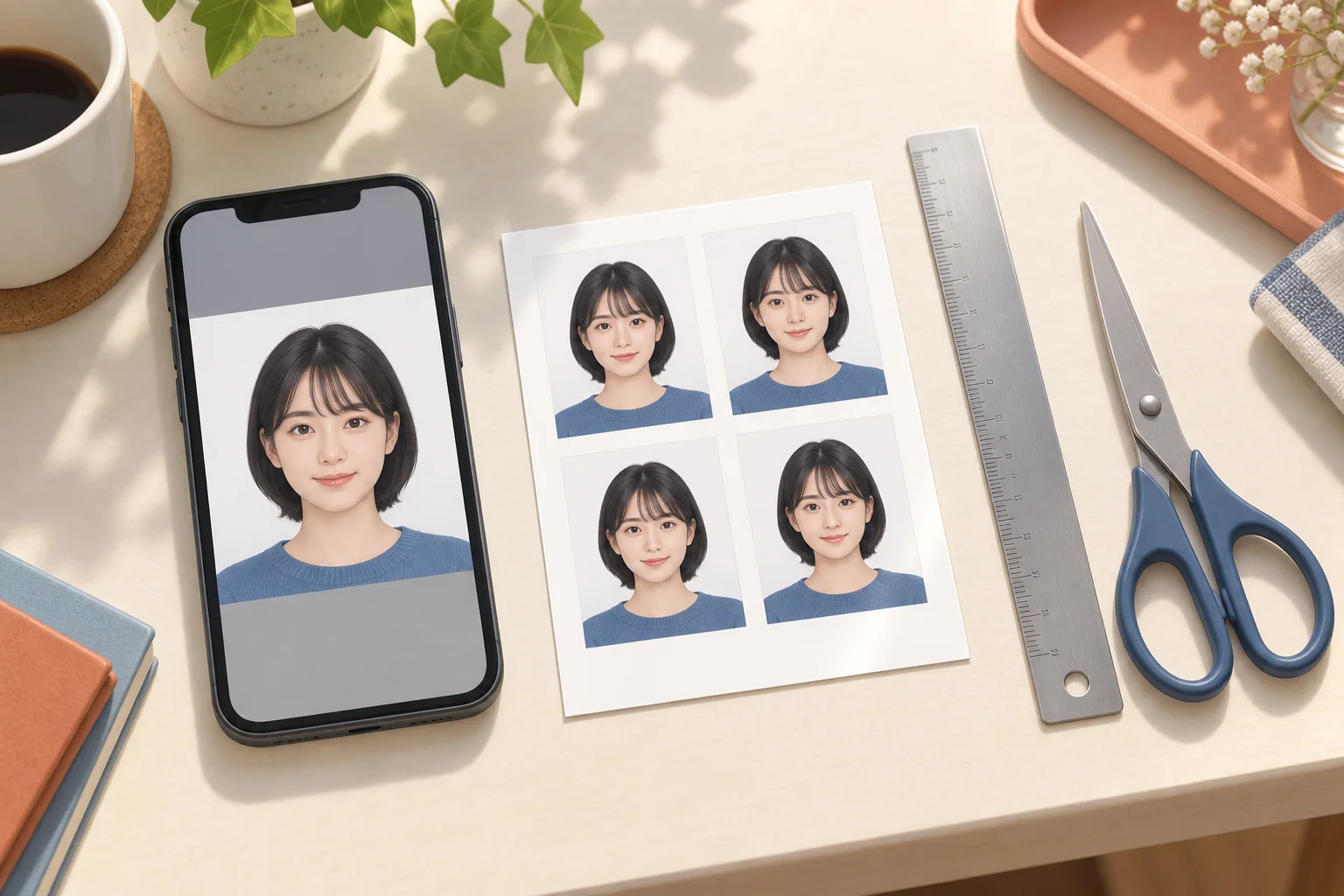
Understand portrait dimensions, select separate sizes for different photos and check the final layout before printing at a Japanese convenience store.
AI-generated illustration of photo preparation; not an app screenshot or an actual printed sample.
Millimetres, centimetres and orientation
A portrait 30 × 40 mm photo means width 30 mm and height 40 mm, or height 4 cm and width 3 cm. Japanese instructions often list height first. Check both labels before choosing a preset. A 35 × 45 mm photo is a different size; rotating or stretching a 30 × 40 mm photo does not make it equivalent.
Put different photos or sizes on one sheet
Add the portraits you need, select each photo and set its intended size separately. Adjust each crop, then inspect the final sheet and the number of copies. Larger sizes leave room for fewer photos. Use the actual preview as the final count, keep cut guides away from the finished photos and export the complete sheet without cropping its outside edges.
Choose L-size photo paper
An L-size print sheet is 89 × 127 mm. Select photo printing on L-size photo paper, then check the preview. Printing the same file on A4 plain paper changes the intended output. A machine's separate ID-photo service may apply its own layout and price; do not lay out an already arranged sheet again.
If the face is cut off or the size changes
Check the exported sheet first. If the face is already cropped there, move or zoom out the portrait in the editor. If only the paper print is cropped, check the machine's crop and fit settings and select a preview that preserves the whole sheet. Do not enlarge the portrait to fill the entire paper. Measure one finished photo with a ruler before cutting or submitting it.
Separate creation cost from store printing
Machi Photos creation and print-sheet preparation are free. The store charges for printing: the published 7-Eleven netprint L-size price is ¥40, while FamilyMart and Lawson list ordinary L-size photo printing at ¥30. These are different from dedicated ID-photo or content-print services. Check the machine's final price and available paper before paying.