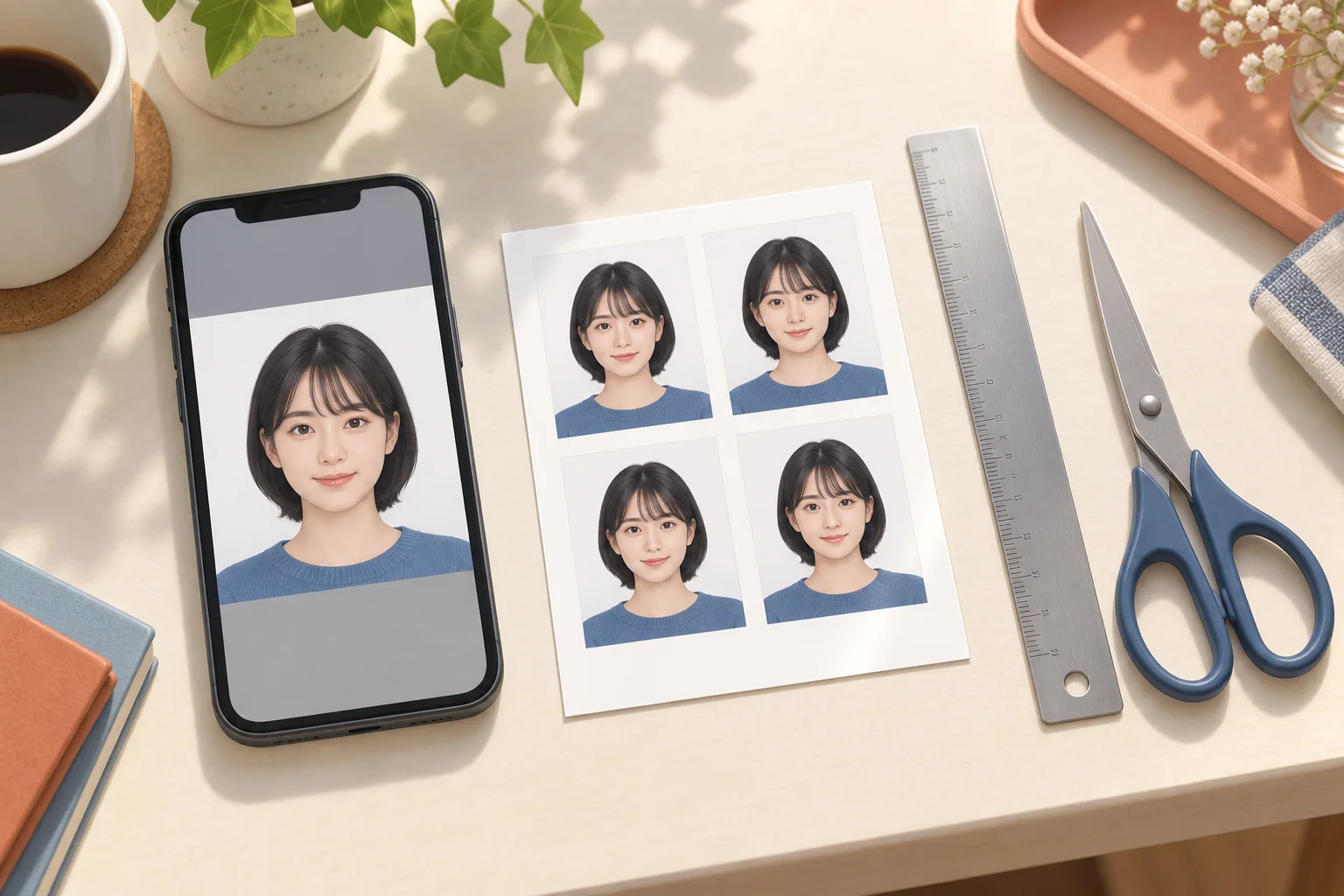
Prepare a portrait for the certified care worker exam, distinguish it from supporting-document images and check the upload against the 39th examination guidance.
AI-generated illustration of photo preparation; not an app screenshot or an actual printed sample.
Use the online instructions for the correct examination
As checked on 13 September 2026, the 39th certified care worker examination uses online applications; its application period ended on 2 September 2026. Applicants preparing for a later examination should check its new guidance when published. A photo size printed on an old paper application is not automatically the current online upload specification.
Prepare a photo or take one during the application
The official instructions allow an existing portrait or a photo taken with the camera during the application. Preparing it beforehand gives you time to check clarity and lighting. Keep the original. If the camera does not open, check browser camera permission and the option to select an existing image. Follow the final photo conditions displayed by the application service.
Keep your portrait separate from qualification documents
Your portrait identifies you; it is different from images of work-experience or graduation certificates. Give saved files clear names and match each one to the correct upload field and preview. Supporting documents need legible, complete pages. Do not put a certificate image in the portrait field or crop a certificate using a headshot frame.
Check the saved photo and application status
Select a single portrait and inspect its orientation, crop and detail. If the displayed format or file-size conditions are not met, adjust a copy of the original. Selecting a photo does not by itself finish an application. Check the status in My Page as described in the official FAQ, and follow any subsequent request to correct information or add documents.
Online applications need a single portrait
An L-size sheet contains several photos and is meant for printing. For a web application, prepare one portrait matching the destination's required aspect ratio, pixels and file format. Do not submit the whole sheet or a screenshot of it. Machi Photos' print-sheet download is not a promise of a file meeting a particular online portal's limits; check the destination's upload instructions separately.
Official references
Continue with the next step
- ID photo printing problems: wrong size, cropped faces and dark prints
- Arrange ID photos on an L-size sheet: 30×40 mm and mixed sizes
- Prepare a digital ID photo: pixels, JPEG and upload size limits
- Electrician exam photos in Japan: phone preparation and upload
- Convert an ID photo from HEIC to JPEG on iPhone or Mac
- Care and welfare qualifications
- Read the full guide