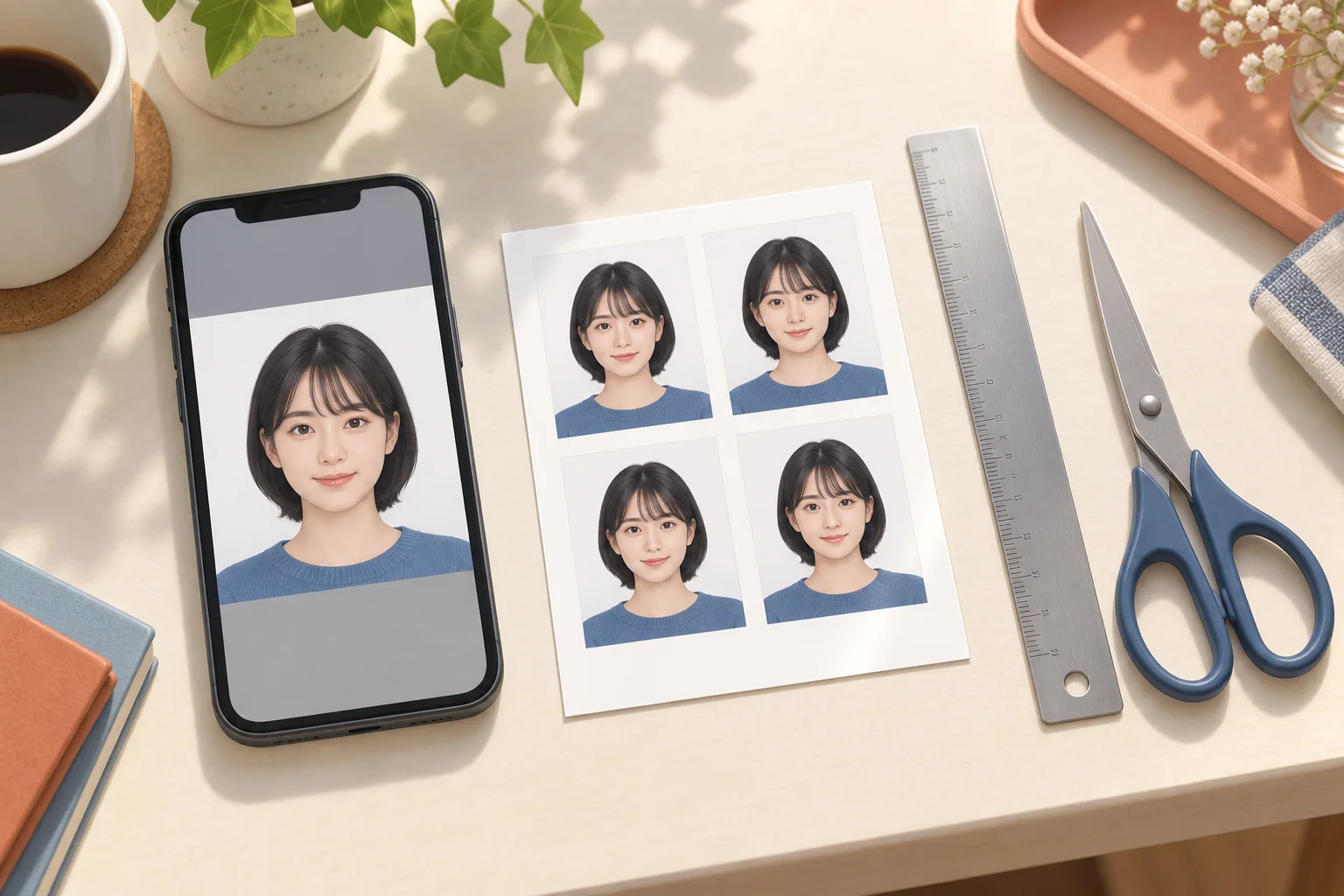
Prepare a portrait for Japan's first- or second-class electrician exam. Separate online registration from licence photos and check files before uploading or printing.
AI-generated illustration of photo preparation; not an app screenshot or an actual printed sample.
Identify the exam and the application procedure
Open the ECEE guide for your exam class, year and session. The portrait uploaded for exam registration serves a different procedure from a photo submitted to a prefecture for a licence after passing. A 45×35 mm print preset does not establish the online file requirements. Official guidance was checked on 13 September 2026; use the guide for the session you are applying to.
Take a clear portrait and keep the original
Face the camera alone, leaving room above your head and around your shoulders. Avoid backlighting and strong wall shadows. Keep the original image so you can adjust the crop without repeatedly compressing it. Compare it with the selected exam's photo rules before submitting. Do not substitute a photographed identity document or a group-photo crop, and avoid generated faces or edits that change your appearance.
Check an upload failure in a useful order
First check that the image opens, then its permitted format, the size and dimensions stated on the application screen, and whether it contains one portrait. A sheet of several photos is for printing, not portrait upload. Save the exact error message. If a compliant file still fails, follow ECEE's photo-registration FAQ to contact its examination support centre.
Print only when a paper photograph is requested
Online portrait registration does not itself require an L-size print. If a procedure asks for paper photos, check that recipient's dimensions, quantity and recency requirements before creating a sheet. Measure one printed photo before trimming it. Do not assume that exam registration and a prefecture's licence application accept the same photograph specification.
Online applications need a single portrait
An L-size sheet contains several photos and is meant for printing. For a web application, prepare one portrait matching the destination's required aspect ratio, pixels and file format. Do not submit the whole sheet or a screenshot of it. Machi Photos' print-sheet download is not a promise of a file meeting a particular online portal's limits; check the destination's upload instructions separately.
Official references
- 出入国在留管理庁 / Online application Q&A
- ECEE · Exam photo rules
- ECEE · Photo upload help
- ECEE · First-class exam
- ECEE · Second-class exam
Continue with the next step
- ID photo printing problems: wrong size, cropped faces and dark prints
- Arrange ID photos on an L-size sheet: 30×40 mm and mixed sizes
- Prepare a digital ID photo: pixels, JPEG and upload size limits
- Japan care worker exam photo: phone capture and online application
- Convert an ID photo from HEIC to JPEG on iPhone or Mac
- Electrician examination
- Read the full guide